
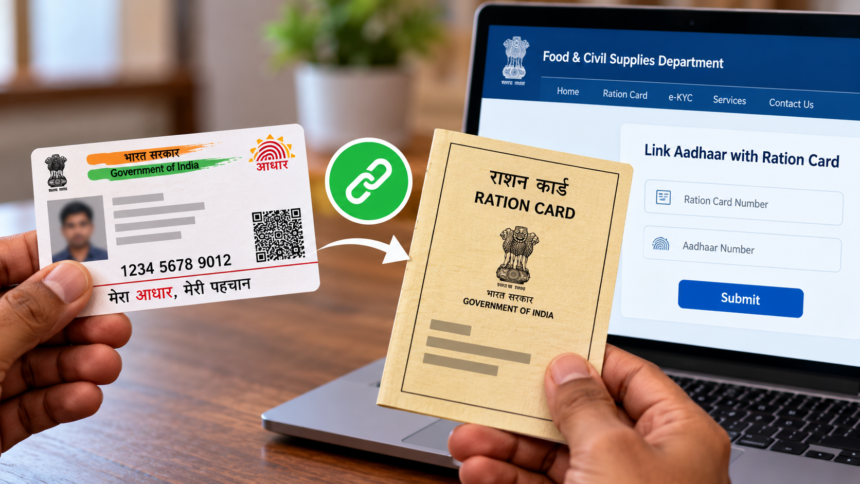
Linking Aadhaar with a ration card helps authorities verify beneficiaries and manage the distribution of subsidised food grains under the Public Distribution System (PDS). People who have not yet linked their Aadhaar details with their ration cards can check the process followed by their respective state.
Several states provide online facilities for Aadhaar seeding and ration card e-KYC through their official Food and Civil Supplies Department websites. However, the process is not uniform across the country, and the available services may differ from one state to another.
Ration card holders can generally complete the process online where the facility is available. Those who face difficulties or cannot access the online service can seek assistance through an authorised ration shop.
How to Link Aadhaar with a Ration Card Online
The online procedure may vary by state, but the following steps provide a general guide.
- Visit the official website of your state’s Food and Civil Supplies Department or Public Distribution System (PDS).
- Find the option labelled “Link Aadhaar with Ration Card,” “Aadhaar Seeding” or “Ration Card e-KYC.”
- Enter your ration card number and provide any additional information requested, such as family member details and your registered mobile number.
- Enter the Aadhaar number of the family member whose details need to be linked. Some states may require Aadhaar linking for every eligible household member.
- Complete the verification process, which may involve entering a one-time password (OTP) sent to the mobile number registered with Aadhaar. The verification requirements depend on the state’s system.
- Check the information entered, including names and other personal details, before submitting the request through the available verification or submission option.
- Save the acknowledgement, reference number or confirmation message for future use. If the portal provides a status-check facility, use it to track the request until the linking process is completed.
Applicants should follow the instructions displayed on their state’s official portal, as the required documents and verification methods may differ.
How to Link Aadhaar with a Ration Card Offline
If your state does not provide an online linking facility, or you cannot complete the process through its website, you can visit a nearby government ration shop, also known as a fair price shop.
Carry your ration card and the Aadhaar cards of the relevant family members. You may also need to provide a mobile number linked to Aadhaar and any additional documents requested by the authorised personnel.
The ration dealer or authorised employee can guide you through Aadhaar verification or the e-KYC procedure. Biometric authentication may be required, depending on the applicable process.
Once the procedure is completed, keep the receipt or acknowledgement provided by the authorised outlet as proof of submission.
Important Points to Remember
Before starting the Aadhaar-ration card linking process, make sure that the details on both documents are accurate. Follow the instructions issued by your state’s Food and Civil Supplies Department and use only official government websites for online applications.
If online verification fails, contact an authorised ration dealer or the relevant department for guidance on the available alternatives. Keep any acknowledgement received so that you can check the status of your request if necessary.
Disclaimer
This article is intended for general informational purposes only. Aadhaar-ration card linking procedures, documentation requirements and verification methods may vary by state and can change over time. Readers should consult their state’s official Food and Civil Supplies Department or Public Distribution System portal for the latest instructions. This article does not replace official government guidelines.