
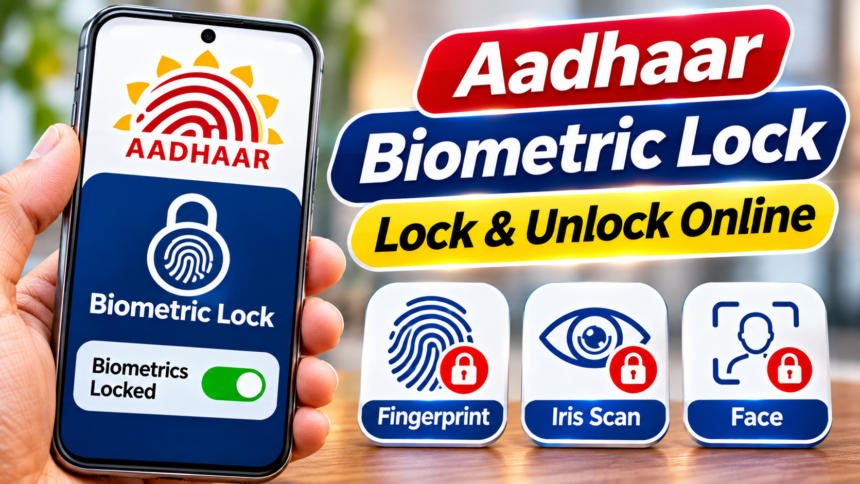
Aadhaar is widely used for banking services, government benefits and several other important activities. Many Aadhaar-based transactions require biometric verification through fingerprints, iris scans or facial authentication. Protecting this personal information is therefore important to prevent unauthorised use.
To improve security, the Unique Identification Authority of India (UIDAI) provides a facility that allows Aadhaar holders to lock their biometric information. Once this feature is activated, authentication through fingerprints and iris scans cannot be performed until the biometrics are unlocked. Users can disable the lock whenever they need to complete biometric verification.
How to Lock Aadhaar Biometrics Online
Aadhaar holders can activate the biometric lock through the official UIDAI website. The process involves OTP-based verification using the mobile number registered with Aadhaar.
Follow these steps:
- Visit the official UIDAI website.
- Go to the My Aadhaar section.
- Under Aadhaar Services, select Lock/Unlock Biometrics.
- Enter your 12-digit Aadhaar number and the displayed CAPTCHA code.
- Choose the option to generate an OTP.
- Enter the OTP received on your registered mobile number.
- After verification, select Enable Biometric Lock.
Once the process is completed, your Aadhaar biometric authentication will remain locked until you unlock it.
How to Unlock Aadhaar Biometrics
If you need fingerprint or iris authentication for a service, you must first unlock your Aadhaar biometrics. This can be done through the UIDAI website or the Aadhaar app.
To unlock your biometric details, follow these steps:
- Visit the UIDAI website and open the Lock/Unlock Biometrics service.
- Enter the required Aadhaar details and security information.
- Complete the OTP verification process.
- Use your Virtual ID (VID) where required for unlocking.
- Enter the CAPTCHA code displayed on the screen.
- Select the option to unlock your biometrics.
After completing the process, you can use your fingerprints or iris scans for Aadhaar authentication again.
What Is an Aadhaar Virtual ID and How to Get It?
A Virtual ID, commonly known as VID, is a 16-digit temporary number that can be used instead of sharing your Aadhaar number for certain services. It is also required for the biometric unlocking process described above.
If you do not have a VID, you can generate one through the official UIDAI website. Another option is to request it through SMS using your Aadhaar-registered mobile number.
To receive your VID by SMS, type RVID, followed by a space and the last four or eight digits of your Aadhaar number. Send the message to 1947.
Benefits of Locking Aadhaar Biometric Information
The biometric lock facility adds an extra layer of protection to Aadhaar-related information. Once activated, it prevents fingerprint and iris-based authentication, reducing the possibility of someone misusing these biometric details.
Another advantage is flexibility. Aadhaar holders can enable or disable the lock whenever required, depending on whether they need to complete biometric authentication.
Disclaimer: This article is intended for general informational purposes only. The steps and services mentioned are based on the described UIDAI process and may change over time. For the latest instructions and official guidance, visit the UIDAI website before making changes to your Aadhaar biometric settings.