
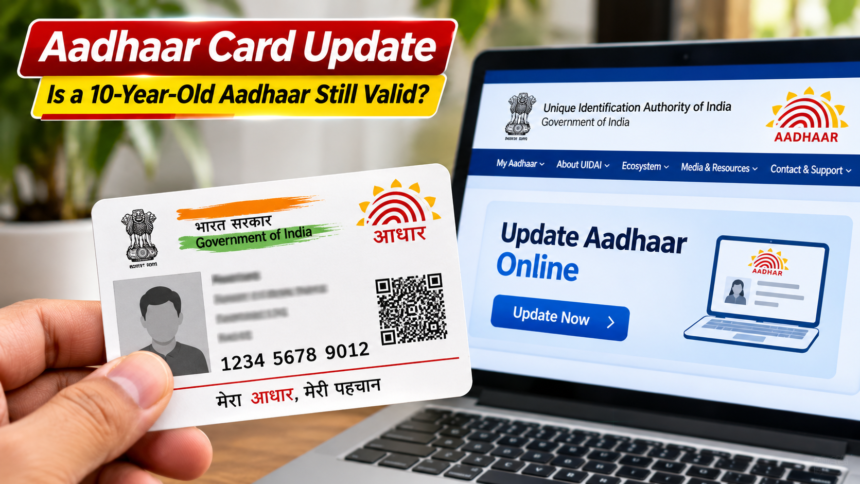
Aadhaar Card Update: Many Aadhaar card holders are concerned about whether their cards become invalid after 10 years if they have not updated their personal details or supporting documents. The Unique Identification Authority of India (UIDAI) has clarified that there is no need to worry. An Aadhaar card does not automatically become invalid simply because it is 10 years old.
However, UIDAI recommends that individuals periodically update their identity and address documents to keep their records accurate. Since personal details and residential addresses can change over time, maintaining updated information can help avoid difficulties while accessing banking services, government schemes and other Aadhaar-linked facilities.
Does Aadhaar Expire After 10 Years?
An Aadhaar number does not have an expiry date. Even if your Aadhaar card was issued more than 10 years ago and you have not updated its supporting documents, it remains valid.
However, UIDAI advises Aadhaar holders to update their identity and address proof documents periodically, particularly when their records have not been refreshed for a decade.
Keeping these details current helps ensure that your Aadhaar information remains accurate and can be verified when required.
Why Is Updating Aadhaar Details Important?
Aadhaar is widely used for identity verification across several services, including opening bank accounts, accessing government welfare schemes and obtaining mobile SIM connections.
If you have moved to a new address or your existing identity documents have become outdated, updating your Aadhaar records can help prevent verification-related difficulties.
Providing current and valid documents also makes it easier to establish your identity when using services connected to Aadhaar.
How to Update Aadhaar Card Details Online
Aadhaar holders can use the official UIDAI My Aadhaar portal to submit eligible update requests from home.
Follow these steps:
- Visit the official UIDAI My Aadhaar website.
- Log in using your Aadhaar number and the OTP received on your registered mobile number.
- Select the relevant document update option.
- Upload the required identity or address proof documents.
- Carefully review the information before submitting the request.
- Save the SRN (Service Request Number) generated after submission to track your application status.
Documents such as a passport, voter ID card, driving licence and other accepted identity or address proofs may be used, depending on the type of update.
If you experience difficulties completing the process online, you can visit your nearest Aadhaar Seva Kendra for assistance with updating your details.
Disclaimer: This article is intended for general informational purposes only. Aadhaar update procedures, accepted documents and service requirements are subject to UIDAI guidelines. Readers should visit the official UIDAI website or an authorised Aadhaar Seva Kendra for the latest information before submitting an update request.