
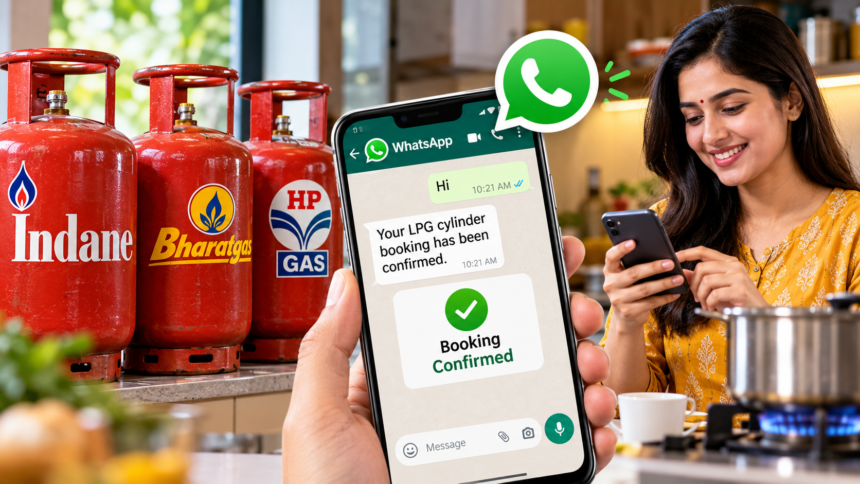
New Delhi: Booking an LPG cylinder has become more convenient with digital services that allow customers to request a refill without making a phone call. During the festive season, when demand for cooking gas often rises, these options can help consumers place their bookings even when call-based services are difficult to access.
Customers using Indane, Bharat Gas and HP Gas can book a refill through WhatsApp or SMS using the contact details provided for their respective services. Mobile applications such as UMANG, Paytm, PhonePe and Amazon Pay also offer LPG-related booking options.
Here is how customers can use these methods to request a new cylinder.
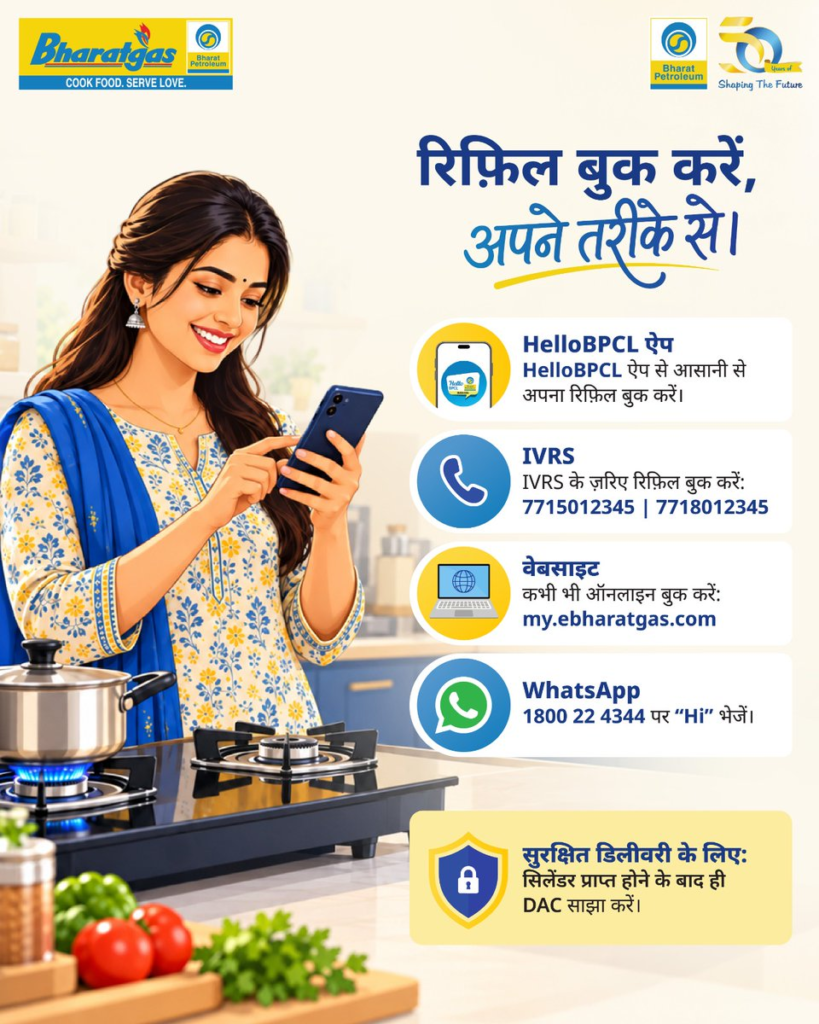
How to Book an LPG Cylinder Through WhatsApp
WhatsApp booking allows customers to send a message to their gas provider and follow the instructions provided in the chat. The mobile number used should be associated with the gas connection wherever required.
Bharat Gas WhatsApp Booking
Bharat Gas customers can follow these steps:
- Save the WhatsApp number 1800 22 4344 on their phone.
- Open WhatsApp and send “Hi” to the number.
- Select the “Refill Booking” option from the available menu.
- Follow the instructions to complete the request.
- Check for the booking confirmation message.
Indane Gas WhatsApp Booking
Indane customers can open WhatsApp and send “REFILL” to 7588888824 to initiate a cylinder booking.
HP Gas WhatsApp Booking
HP Gas customers can send “Hi” or “Book” to 9222201122 through WhatsApp to begin the booking process.
The available options and response times may vary. Customers should follow the instructions received from their gas provider to complete the request.
How to Book a Gas Cylinder Through SMS
Bharat Gas customers can also use SMS to request a refill. According to the provided details, the process is as follows:
- Open the messaging application on your phone.
- Type “LPG” in the message.
- Send it to 7715012345.
- Check your messages for booking confirmation or further instructions.
Customers should ensure they follow the booking procedure applicable to their connection and verify the current SMS number with their gas provider if the request does not go through.
Book an LPG Cylinder Through Mobile Apps
Customers can also check LPG booking services through mobile applications, including:
- UMANG
- Paytm
- PhonePe
- Amazon Pay
To get started, open the relevant application and look for the “LPG” or “Gas Cylinder” section. Choose your gas provider, enter the customer number or registered mobile number requested by the service, and select the cylinder-booking option.
Follow the instructions displayed on the screen and check for confirmation once the request has been submitted. The exact steps and availability may differ depending on the application and gas provider.
What Should You Check Before Booking?
Before placing a refill request, make sure you have selected the correct gas company and entered the required customer details accurately. Keep your registered mobile number accessible so you can receive booking updates.
If WhatsApp or SMS booking fails, use the official website, app or customer-support channel of your LPG provider to confirm the current procedure. A submitted request should not be treated as a confirmed booking until the provider sends an acknowledgement.
Digital booking options can make the refill process more convenient, particularly when phone lines are busy. Choosing the method supported by your gas company can help you place a request without relying solely on a telephone call.
Disclaimer
This article is intended for general informational purposes and is based on the booking details provided in the source material. WhatsApp numbers, SMS services, application features and booking procedures may change. Customers should verify the latest details through the official Indane, Bharat Gas or HP Gas channels before sharing information or placing a refill request.