
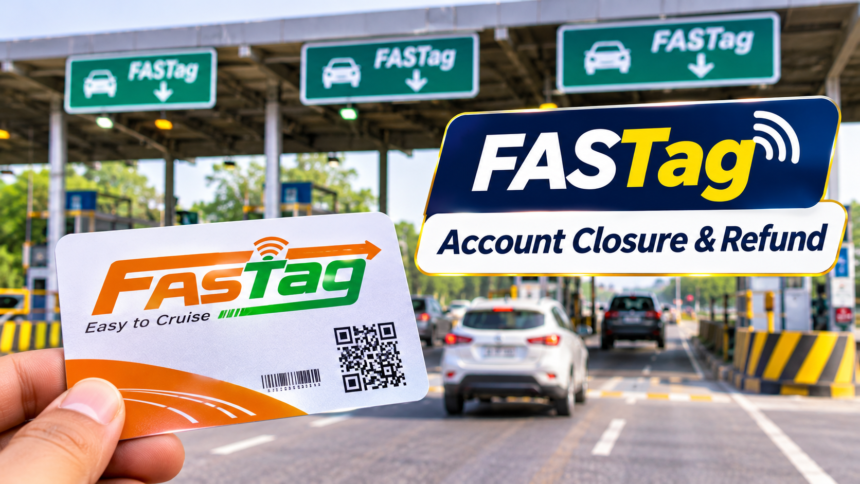
FASTag has made highway travel more convenient by allowing motorists to pay toll charges electronically. The system uses Radio Frequency Identification (RFID) technology, enabling vehicles to pass through toll plazas without stopping to make cash payments.
However, there may be situations when you need to deactivate or close your FASTag account. This could happen if you sell your vehicle, stop using it, or lose or damage your FASTag. In such cases, closing the account can help prevent unwanted toll deductions and allow you to claim the remaining balance.
Here is a step-by-step guide to closing your FASTag account and requesting a refund.
Key Benefits of Using FASTag
FASTag offers several benefits to vehicle owners and highway travellers.
- Saves time: Electronic toll payments reduce the time spent waiting at toll plazas and help minimise traffic congestion.
- Cashless payments: Drivers can pay toll charges digitally without carrying cash.
- Easy online management: Users can check their FASTag balance, recharge their accounts, view transaction records and update details online.
- Transparent transactions: Every toll payment is recorded, making it easier to monitor expenses and check deductions.
When Should You Close Your FASTag Account?
There are several circumstances in which closing a FASTag account may become necessary. These include:
- Selling or transferring your vehicle to another person.
- Scrapping your vehicle or permanently stopping its use.
- Losing or damaging your FASTag.
- No longer requiring the FASTag service.
If you have sold your vehicle or no longer use it, closing the associated FASTag account can help avoid unwanted transactions. It also allows you to request the refund of any eligible unused balance.
How to Close a FASTag Account Online
FASTag users can generally submit an account closure request through their issuing bank or FASTag service provider. The exact procedure may differ depending on the provider.
Follow these steps:
- Visit the official website of the bank or service provider that issued your FASTag. You can also check the available services through the National Electronic Toll Collection (NETC) platform.
- Log in using your registered account details.
- Open the Account Settings, Profile or Manage Account section.
- Look for the option to close or deactivate your FASTag account.
- Select the closure option and mention the reason for closing the account.
- Upload the required documents, if requested. These may include a scanned copy of your vehicle’s Registration Certificate (RC) and identity proof.
- Review the information and submit your closure request.
After submitting the application, you may receive a confirmation through SMS or email. The remaining eligible balance will be refunded to your linked bank account according to the issuing bank’s policy.
Offline FASTag Account Closure Process
If you are unable to close your FASTag account online, you can visit the nearest branch of the bank that issued it.
Carry your vehicle’s Registration Certificate (RC), identity proof and relevant FASTag account details. At the branch, request a FASTag closure form and fill it in with the required information, including the reason for closure.
Submit the completed form along with the necessary documents to the bank official. The bank may carry out additional verification before processing your request.
Make sure you collect an acknowledgement or receipt after submitting the application. Once the closure request is processed, the eligible remaining balance will be transferred to your bank account as per the bank’s refund policy.
Documents and Details Required for FASTag Closure
Depending on the bank or FASTag provider, you may be asked to provide the following information:
- FASTag account number.
- Vehicle registration details.
- Vehicle Registration Certificate (RC).
- Valid identity proof.
The closure procedure and refund timeline can vary between banks and service providers. After submitting your request, contact the issuing bank or FASTag provider to check the closure status and confirm when the remaining balance will be refunded.
Disclaimer: This article is intended for general informational purposes only. FASTag account closure procedures, documentation requirements and refund timelines may vary depending on the issuing bank or service provider. Readers should verify the latest instructions and applicable terms with their FASTag issuer before submitting a closure request.