
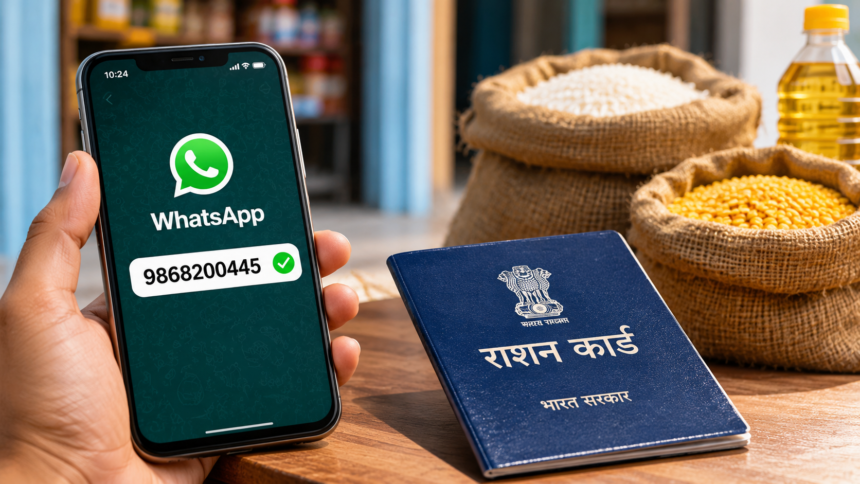
Ration card holders no longer need to make repeated visits to government offices to resolve common problems related to their ration cards. Whether your name is missing from the beneficiary list, a family member’s details have not been updated or you are not receiving your monthly ration, you can now submit a complaint through digital platforms from home.
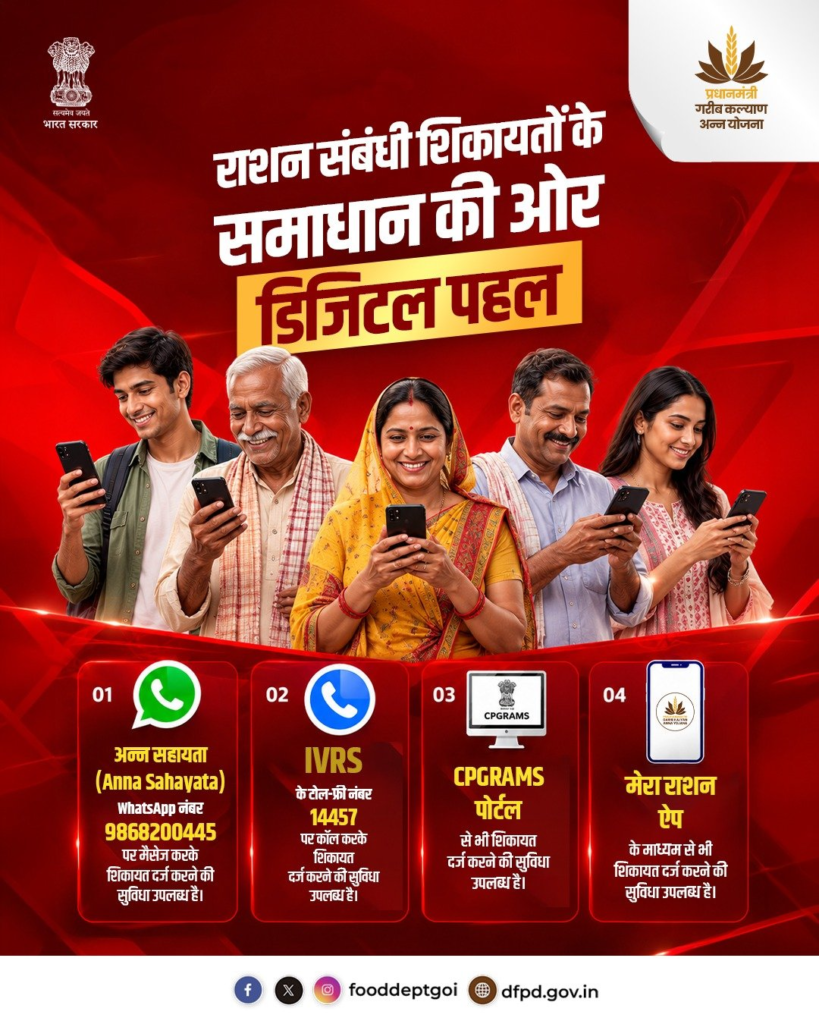
The government has made several online and telephone-based options available to help beneficiaries report ration card-related issues. People can register complaints through WhatsApp, a toll-free IVRS helpline, the CPGRAMS portal or the Mera Ration mobile application.
These facilities are designed to make the complaint process easier and reduce the need for unnecessary visits to government departments. Here is how you can use WhatsApp and other available options to report a ration card problem.
What Problems Can You Report Through the Ration Card Complaint Facility?
Beneficiaries can use the available complaint channels to report different types of problems related to ration cards and the Public Distribution System (PDS).
Some common complaints include:
- A family member’s name missing from the ration card.
- Delays in adding a new family member’s name.
- Not receiving the entitled monthly ration.
- A ration dealer demanding more money than the prescribed price.
- Incorrect personal or family details on the ration card.
- Technical problems and discrepancies in beneficiary records.
If you experience any of these issues, you can use the available complaint facilities to submit your grievance.
How to Register a Ration Card Complaint Through WhatsApp?
Ration card beneficiaries can follow a simple process to submit their complaints through WhatsApp.
The official WhatsApp number provided for this facility is 9868200445.
Follow these steps:
- Save the WhatsApp number 9868200445 in your mobile phone.
- Open WhatsApp and send a message saying “Hi” to the saved number.
- Select your preferred language when prompted.
- Enter your ration card number.
- Choose the complaint category that matches your problem.
- Provide the required details about your issue and submit the complaint.
After successful registration, you will receive a notification confirming that your complaint has been submitted.
Other Ways to File a Ration Card Complaint
Apart from WhatsApp, beneficiaries can use several other channels to report ration card-related problems.
1. IVRS Helpline Number
You can register a complaint by calling the toll-free IVRS number 14457. Follow the instructions provided during the call to submit your grievance.
2. National Ration Card Helpline
Beneficiaries can also contact the customer support service through the following numbers:
- 1967
- 180018002084
These numbers provide another option for people who prefer speaking to customer care representatives.
3. Mera Ration Mobile App
Smartphone users can also download the Mera Ration application from the Google Play Store. The app provides access to ration-related services and allows beneficiaries to submit complaints through their mobile phones.
4. CPGRAMS Portal
The Centralised Public Grievance Redress and Monitoring System (CPGRAMS) is another platform through which citizens can submit complaints related to government services.
With these options, ration card holders can report problems without necessarily visiting government offices. Choosing the appropriate complaint channel can make it easier to raise an issue and seek a resolution.
Disclaimer
This article is intended for general informational purposes only. WhatsApp numbers, helpline services and complaint procedures may vary depending on government guidelines and state-level arrangements. Readers are advised to verify the latest contact details and service availability through official government portals before sharing personal or ration card information. This article does not represent an official government notification.