
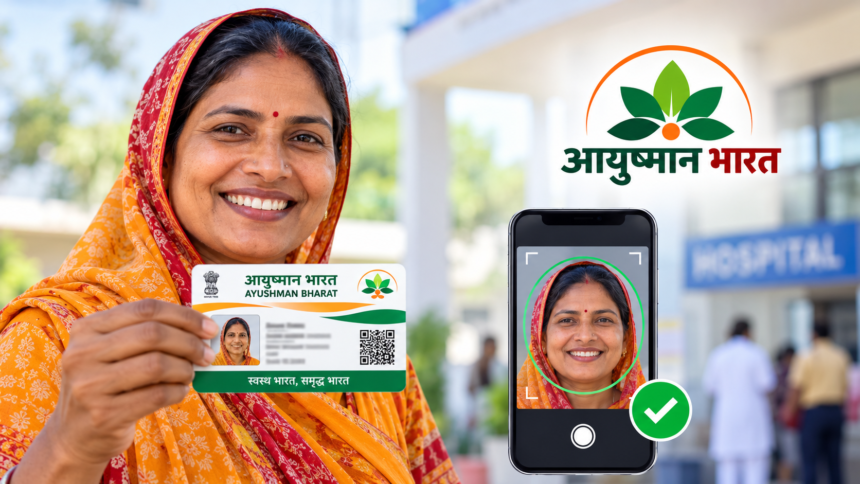
The Ayushman Bharat scheme provides eligible beneficiaries with cashless healthcare coverage of up to ₹5 lakh, subject to the scheme’s rules and conditions. Beneficiaries can use their Ayushman card to access covered medical treatment at empanelled hospitals.
During the Ayushman card application process, applicants may need to complete e-KYC and submit a photograph for identity verification. Incorrect details or problems with the photograph can cause delays. Understanding the photo requirements can help applicants complete the process more smoothly.
Ayushman Card e-KYC: How to Capture a Live Photo
If the e-KYC process asks you to take a live photograph, use the camera on your mobile phone or the device you are using. Position your face in front of the camera and follow the instructions displayed on the screen.
A live photograph helps support the identity verification process. Applicants should complete this step according to the requirements shown on the official portal or app.
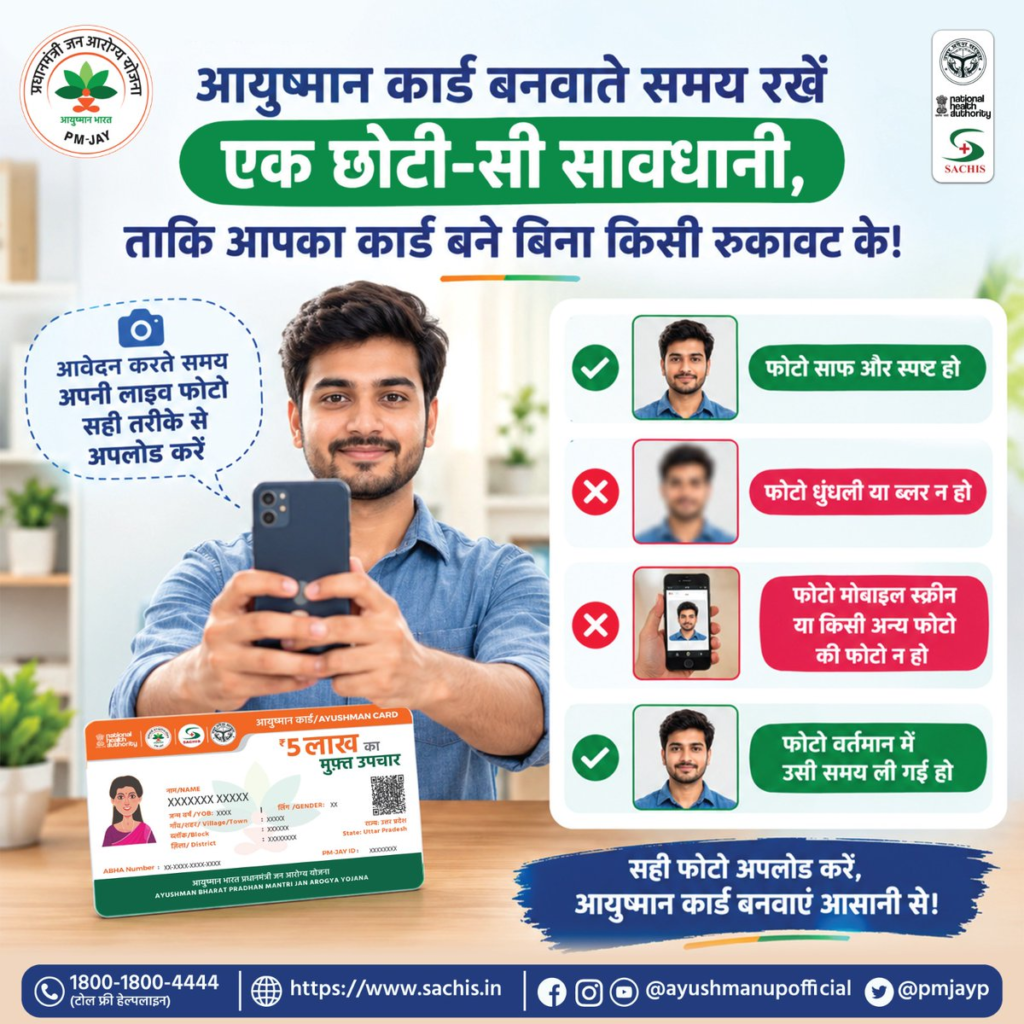
Important Rules for Uploading Your Photograph
When a live photo is required, capture a fresh image rather than selecting an older photograph from your phone’s gallery. Avoid blurry, scanned or edited images if they do not meet the application’s requirements.
For a clear photograph, ensure that your face is properly illuminated and all facial features are visible. Keep the camera steady and avoid anything that covers your face. Following the on-screen instructions can help prevent problems during verification.
Applicants should also carefully check their Aadhaar details, including their name and other relevant information, before proceeding. If the photograph or personal details do not meet the applicable verification requirements, the application may require correction or further verification.
Where to Apply for an Ayushman Card Online
Eligible applicants can visit the official Ayushman Bharat beneficiary portal at https://beneficiary.nha.gov.in/ to check their eligibility and access the available application services.
Alternatively, applicants can use the official Ayushman app to access supported services. Those who need assistance with the application or e-KYC process can visit a nearby Common Service Centre (CSC).
Ayushman Card e-KYC Problems: Where to Get Help
If you experience difficulties with live photo capture, Aadhaar verification or checking your application status, seek assistance through the official portal or a nearby CSC.
You can also contact the helpline number provided in the source information: 1800-1800-4444. Verify the current helpline details through official Ayushman Bharat channels before calling.
Disclaimer: This article is intended for general informational purposes only. Application procedures, photo requirements, eligibility conditions and available support services may change. Approval and healthcare benefits depend on the applicable scheme rules and verification process. Applicants should consult the official Ayushman Bharat portal or authorised service centres for the latest information.