
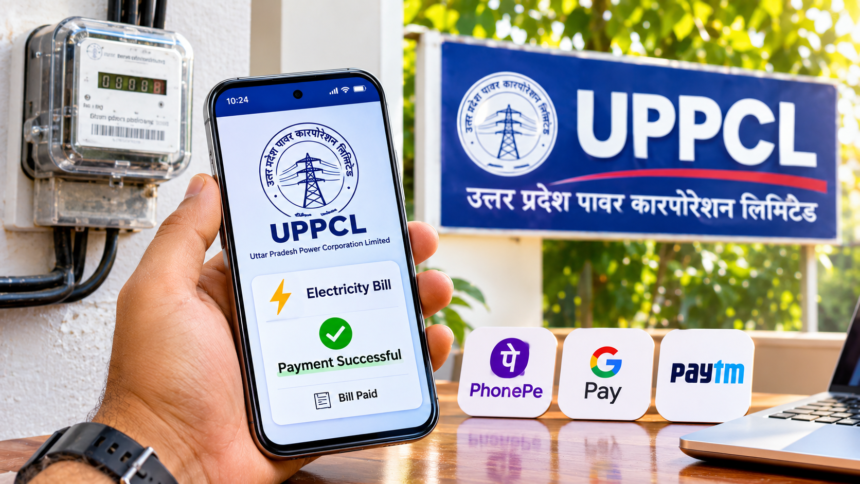
UPPCL Online Bill Payment: Paying electricity bills has become much easier with the availability of online services. Consumers no longer need to visit electricity department offices or wait in long queues to clear their monthly bills. They can now complete the entire payment process using a smartphone or computer.
Uttar Pradesh Power Corporation Limited (UPPCL) provides several online payment options for electricity consumers. Bills can be paid through the official UPPCL website, the UPPCL Consumer App and popular UPI applications such as PhonePe, Google Pay and Paytm.
These digital facilities allow consumers to check their outstanding bills, make payments and download receipts without visiting an electricity office. Here is a step-by-step guide to paying your UPPCL electricity bill online.
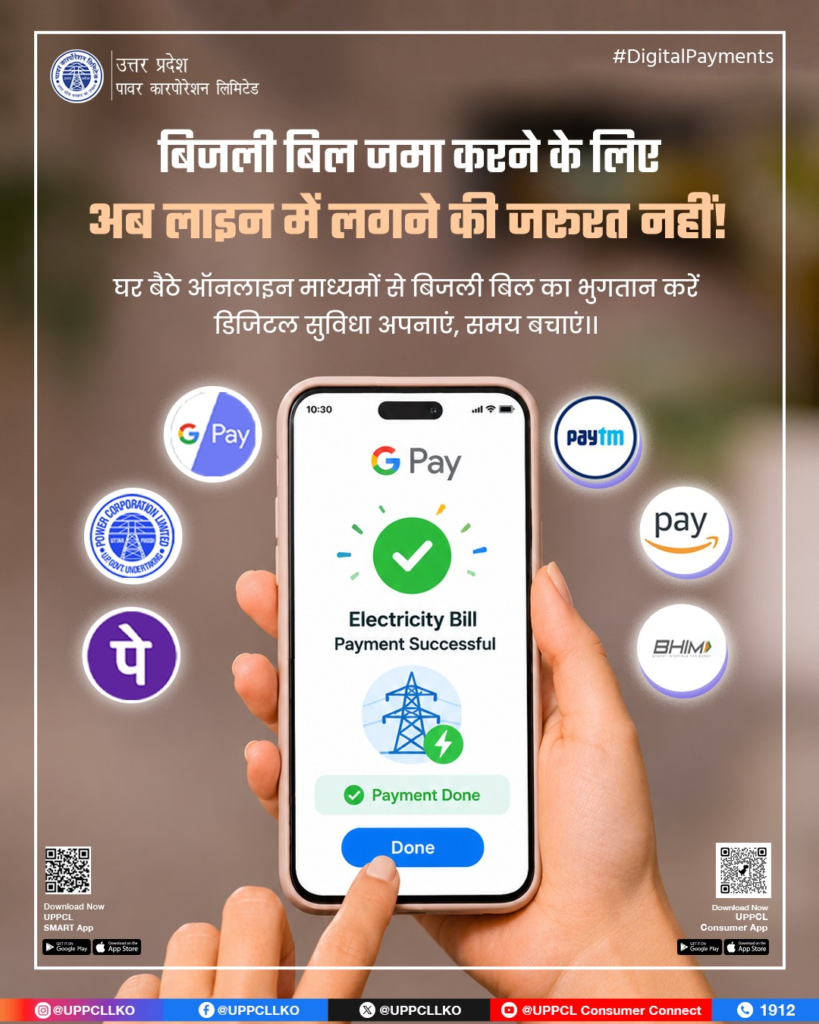
How to Pay UPPCL Electricity Bills Through PhonePe, Google Pay and Paytm
Consumers can use popular UPI applications to pay their electricity bills within a few minutes. The process is simple and requires the consumer’s electricity account ID.
Follow these steps:
- Open Google Pay, PhonePe or Paytm on your smartphone.
- Go to the Bill Payments or Electricity section.
- Search for and select UPPCL (Uttar Pradesh Power Corporation Limited) from the list of electricity providers.
- Enter your electricity account ID or the consumer details requested by the application.
- Check the displayed bill amount and other payment information.
- Select your preferred payment method, such as UPI.
- Complete the transaction and save the payment confirmation or receipt.
Once the payment is successful, you can keep the digital receipt for future reference.
How to Pay Your Electricity Bill Through the Official UPPCL Website
Consumers who prefer using a computer or do not want to install a separate payment application can use the official UPPCL website.
The online payment process involves these steps:
- Visit the official UPPCL website.
- Open the electricity bill payment section.
- Enter your district, account ID or other required consumer details.
- Check the bill information displayed on the screen.
- Verify the outstanding amount before proceeding.
- Choose an available online payment option and complete the transaction.
- Save the payment receipt after successful completion.
This facility allows consumers to pay their electricity bills from home without making unnecessary visits to the electricity department.
Benefits of UPPCL Online Bill Payment
The online payment facility offers several conveniences to electricity consumers. The biggest advantage is that bills can be paid at any time without travelling to an electricity office.
Other useful facilities include:
- Instant payment receipt: Consumers can receive digital confirmation after completing a transaction.
- Bill details: Electricity bills can be checked online before making payments.
- Payment history: Previous payment details can be viewed easily.
- Load enhancement: Consumers can submit applications to increase their electricity connection load according to their requirements.
- Meter reading: The facility also allows consumers to record their meter readings.
These services make electricity bill management more convenient and reduce the need for repeated visits to department offices.
Pay Your UPPCL Electricity Bill From Home
UPPCL’s digital payment facilities have made bill payments easier for electricity consumers across Uttar Pradesh. Whether using the official website, UPPCL Consumer App or UPI applications such as PhonePe, Google Pay and Paytm, consumers can complete their payments from home.
By entering the correct account details and checking the bill amount before payment, consumers can manage their electricity bills quickly and conveniently.
Disclaimer: This article is intended for general informational purposes only. Online payment options, available services and application features may change according to UPPCL’s policies. Consumers should use official UPPCL platforms or trusted payment applications and verify their account details and bill amount before completing a transaction.