
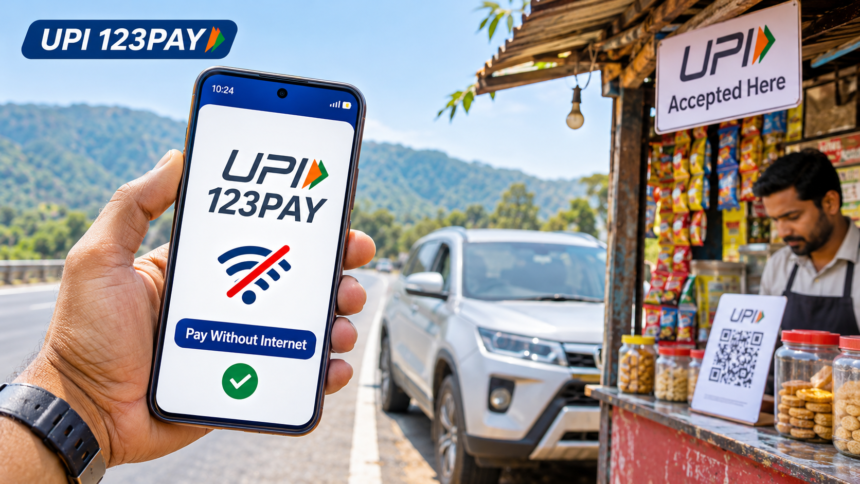
UPI 123PAY: Facing internet connectivity problems while travelling can make digital payments difficult, particularly on highways and in remote locations. However, you do not always need an active internet connection to complete a UPI transaction. The UPI 123PAY facility allows users to make digital payments without mobile internet, making it a useful option when network connectivity is limited.
New Delhi: Whether you are travelling by car or bike, poor mobile network coverage can create problems when making payments at petrol pumps, roadside shops and other locations. In such situations, UPI 123PAY can provide an alternative payment method.
The service was primarily introduced for feature phone users who do not have access to conventional smartphone-based UPI applications. However, its offline payment capabilities can also be useful for smartphone users.
What Is UPI 123PAY and How Does It Work?
UPI 123PAY is a payment facility that allows users to transfer money and make UPI transactions without requiring an active internet connection.
Unlike regular UPI payments that generally use mobile applications and internet connectivity, this service offers alternative transaction methods. Users can complete payments through designated IVR calls, missed-call services and supported options available on feature phones.
To use the facility, your bank account must be linked to UPI, and the service needs to be activated. Once enabled, users can follow the available instructions to complete transactions without opening a conventional UPI application.
How to Make UPI Payments Without an Internet Connection
UPI 123PAY provides different ways to make payments, depending on the method supported by the user’s bank and service provider.
Users can access the facility through designated IVR numbers, missed-call-based payment services or compatible feature phone options.
The service is particularly useful for people who want to make digital payments but do not have access to mobile internet at that moment.
However, users should activate the facility and understand its payment procedure before relying on it during an emergency.
Why Is UPI 123PAY Useful During Road Trips?
Long-distance journeys often involve travelling through locations where mobile internet connectivity is weak or unavailable. This can make ordinary UPI transactions difficult.
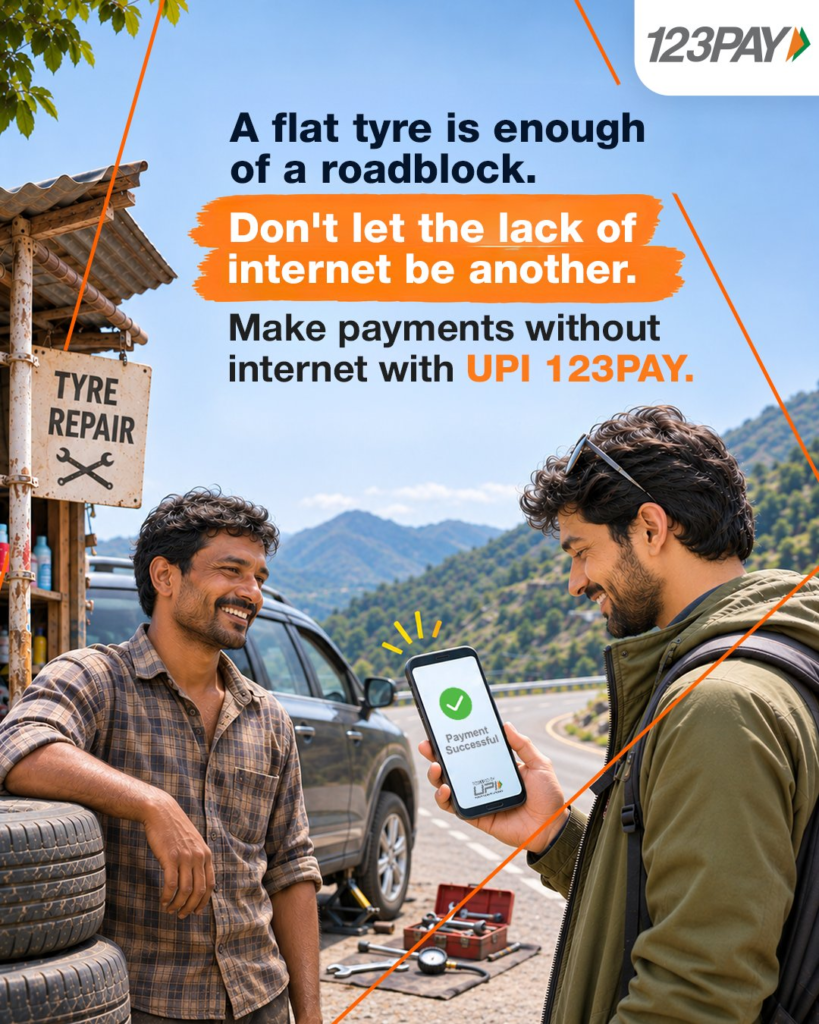
UPI 123PAY offers an alternative in such situations. For example, if you need to pay for a tyre repair, purchase essential supplies or make an urgent payment during a journey, the facility may help you complete the transaction without internet access.
Since the service was designed to support feature phone users, it also provides an alternative for people who do not regularly use smartphone-based payment applications.
For travellers, having this payment option activated before starting a journey can be helpful when internet connectivity becomes unreliable.
Where to Get Information About UPI 123PAY?
People looking for details about UPI 123PAY, its payment methods and supported services can visit the official UPI help portal managed by the National Payments Corporation of India (NPCI).
Before travelling, users should check whether their bank supports and has activated the facility. It is also advisable to understand the available payment options and complete the necessary setup in advance.
With UPI 123PAY, limited internet connectivity does not necessarily mean that digital payments have to stop. The facility provides an additional way to access UPI services when conventional internet-based payments are unavailable.
Disclaimer: This article is intended for general informational purposes only. UPI 123PAY availability, supported payment methods and activation procedures may vary depending on the bank and service provider. Users should refer to NPCI’s official website or contact their respective banks for the latest information. Always verify transaction details before confirming a payment.