
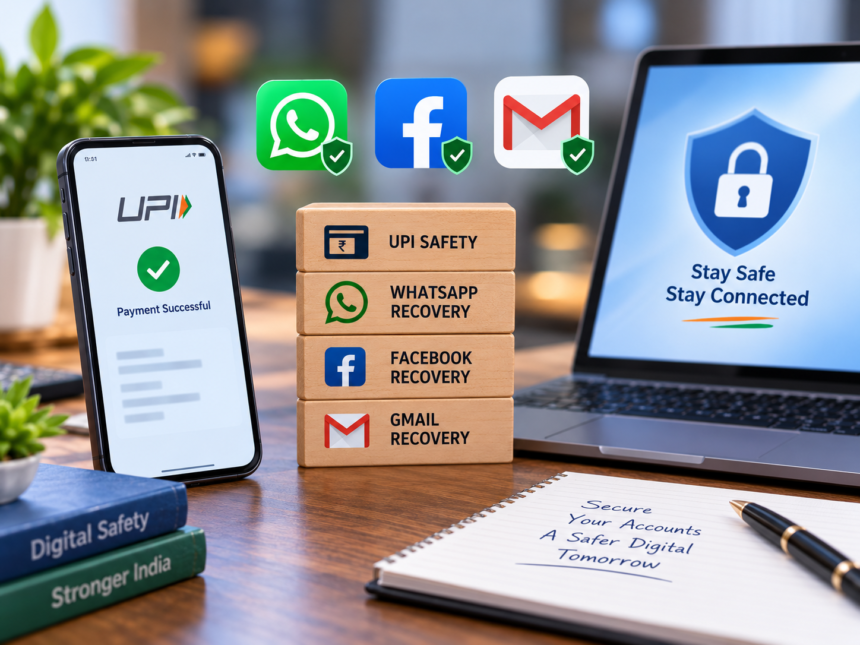
Social Media Account Recovery Process: Digital services have made everyday payments and communication much easier. UPI is now widely used for instant transactions, while platforms such as WhatsApp, Facebook and Gmail have become an important part of daily life. However, the growing use of these services has also increased concerns around unauthorised payments, cyber fraud and account hacking.
If money is transferred to the wrong UPI ID or someone gains unauthorised access to your social media or email account, acting quickly is important. Here are the steps you can take in such situations.
What to Do After an Incorrect UPI Transaction
If a UPI payment is made from your account without your permission, or you accidentally transfer money to the wrong person, contact your bank as soon as possible.
If you suspect that the transaction is linked to cyber fraud, you can also report it through the National Cyber Crime Helpline at 1930. Keep important transaction details ready, including the transaction ID, date of payment, reference number, amount and the UPI ID involved.
Quick reporting can help the concerned authorities and financial institutions take action sooner.
Report the Transaction Through Your UPI App
If the payment was made through an app such as Google Pay, PhonePe or another UPI platform, open its Help or Support section. Select the transaction in question and choose the option that best describes the problem.
After submitting the complaint, save the complaint number or support ticket ID for future reference.
WhatsApp Account Hacked? Follow These Steps
If you believe your WhatsApp account has been compromised, try registering your mobile number again on WhatsApp. Enter the six-digit OTP sent to your phone to verify the number.
Successful verification can reactivate the account on your phone and may log the account out of another device where it is currently active.
Once access is restored, immediately improve the security of the account. Go to WhatsApp Settings > Account > Two-Step Verification and enable the feature. Create a strong PIN and never share it with anyone.
You should also open the Linked Devices section and check the devices connected to your account. If you find a device you do not recognise, log it out immediately. It is also advisable to review the security settings on your phone.
How to Recover a Hacked Facebook Account
For a compromised Facebook account, use Facebook’s official account recovery process. Search for your account and follow the recovery options provided on the platform.
Depending on the situation, you may be asked to verify information such as your previous email address, phone number or other account details. If a hacker has changed your password and email address, continue with the account recovery procedure provided by Facebook.
In some cases, Facebook may request additional information or identity verification before restoring access.
After recovering the account, change the password immediately and enable Two-Factor Authentication (2FA). Check your active sessions and log out of devices you do not recognise.
Also review the email addresses and phone numbers connected to your Facebook account and remove any information or access that you did not add.
What to Do If Your Gmail Account Is Hacked
If you can no longer access your Gmail account because it has been hacked, use Google’s official account recovery process. Enter your email address on the recovery page and follow the verification steps.
Google may send a verification code to your recovery phone number to confirm your identity. If that option is unavailable or does not work, select “Try another way” and follow the alternative recovery instructions provided.
After regaining access to the account, change your password and review the account’s security settings to strengthen its protection.