
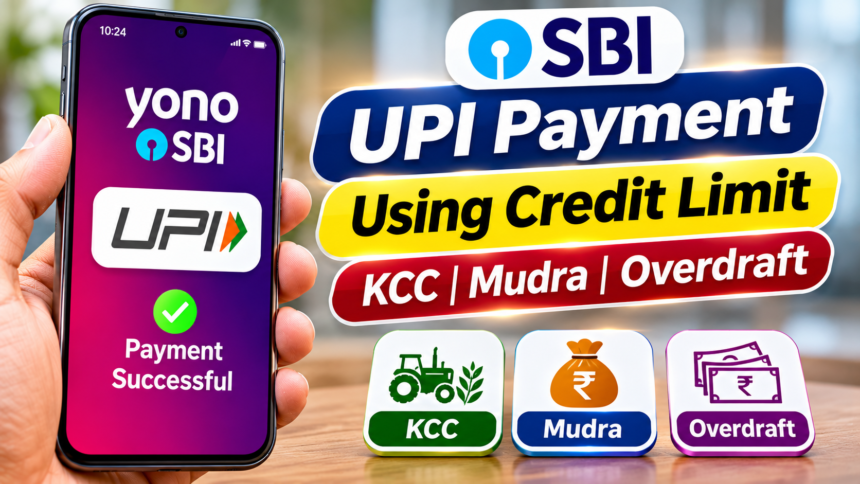
The State Bank of India (SBI), the country’s largest public sector bank, continues to introduce digital services aimed at improving customer convenience. One such facility allows eligible customers to make UPI payments using their available credit limits instead of relying only on the money deposited in their savings or current accounts.
The facility covers selected credit options, including Kisan Credit Cards (KCC), Mudra loan-linked credit facilities and overdraft accounts. Customers can use their eligible credit limits to pay shopkeepers and merchants directly through UPI. The service can be accessed through the YONO SBI app.
SBI UPI Facility: Use Credit Limits for Payments
Normally, UPI transactions are completed using the balance available in a linked bank account. Under this facility, eligible SBI customers can connect certain credit facilities to UPI and use the available limit for digital payments.
For example, a farmer with an active and eligible Kisan Credit Card limit may be able to pay merchants directly through UPI. Similarly, customers with qualifying Mudra loan-related credit facilities or overdraft accounts can use their available limits for permitted transactions.
However, this option is not available for every SBI account or credit facility. Customers must meet the bank’s eligibility requirements to use the service.
Key Benefits of SBI Credit Line UPI
The facility offers an additional payment option to eligible SBI customers. Instead of withdrawing cash from an ATM for every purchase, they can make direct payments to participating merchants through UPI.
It also allows customers to use an existing eligible credit limit for digital transactions without first transferring or withdrawing the amount. The YONO SBI app provides an option to manage and link supported credit facilities with UPI.
How to Link a Credit Limit with UPI Through YONO SBI
SBI customers who want to connect an eligible credit facility to UPI can follow these steps through the YONO SBI mobile application:
- Open the YONO SBI app on your smartphone.
- Log in using your registered user ID and password.
- Go to the Profile section.
- Select Manage My Accounts.
- Tap on Manage My UPI.
- Choose the eligible credit facility you want to link.
- Follow the instructions displayed on the screen to complete the process.
After completing the required steps, the eligible credit facility can be linked to UPI, subject to the bank’s applicable conditions.
Disclaimer: This article is intended for general informational purposes only. The availability of SBI’s credit-linked UPI facility, eligible account types and applicable terms may vary. Customers should check the latest information through SBI’s official website, YONO SBI app or bank branch before using the service.