
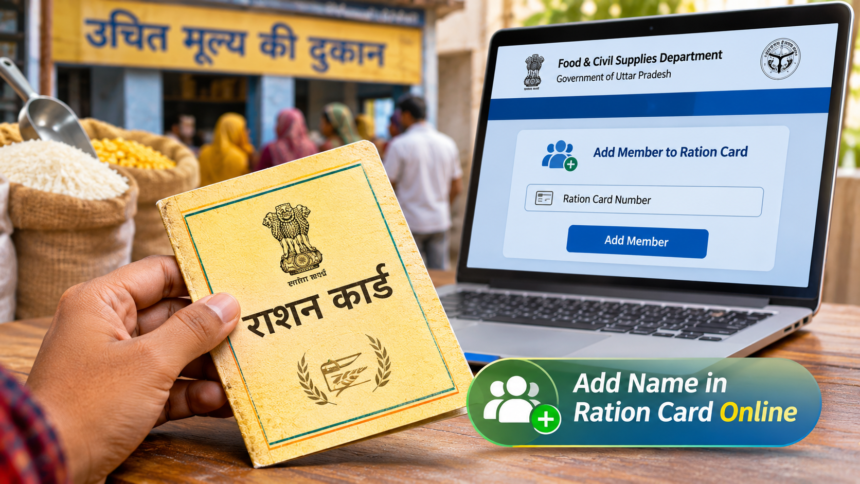
Adding a new family member’s name to a ration card is important to ensure that they can receive benefits under government food distribution schemes. In India, a ration card is an important document that serves as identity proof and allows eligible households to access subsidised food grains and other welfare benefits.
New Delhi: Whenever a new member joins a family, such as a newborn child or a newly married family member, their name may need to be included in the existing ration card. Without updating the family details, the new member may not be able to access the benefits linked to the ration card.
Many people assume that adding a family member requires several visits to government offices. However, applicants can also use online services to submit their requests. Both online and offline application methods are available, depending on the applicable process.
Here is a step-by-step guide explaining how to add a new member to your ration card, the application procedure and how long the process may take.
How to Add a Name to Your Ration Card Online?
Applicants in Uttar Pradesh can use the Food and Civil Supplies Department’s official website to access ration card-related services.
Follow these steps to submit an online application:
- Visit the official website: https://fcs.up.gov.in.
- Open the ‘Ration Card’ section.
- Select the option to add a new family member, if available.
- Enter your ration card number and complete the login process using the OTP.
- Provide the required information about the new member, including their name, age and Aadhaar number.
- Upload the necessary supporting documents.
- Review the information carefully and submit the application.
After submitting the request, keep the application details for future reference.
How to Add a New Member to a Ration Card Offline?
People who prefer applying through the offline method can visit their nearest ration dealer or local Food and Civil Supplies office.
The offline application process involves the following steps:
- Visit the nearest ration dealer or Food and Civil Supplies office.
- Request the application form for adding a new family member.
- Fill in the required personal and family details correctly.
- Attach photocopies of the necessary supporting documents.
- Submit the completed form along with the documents.
- Collect the application receipt as proof of submission.
The receipt can help applicants track their request and follow up if necessary.
How Long Does It Take to Add a Name to a Ration Card?
After an application is submitted, the concerned department examines the details and documents provided by the applicant. The information is checked during the verification process before the new member’s name is included in the ration card.
Generally, the process may take around 15 to 30 days, depending on the completion of verification and application processing.
Applicants should ensure that all the information entered in the form is accurate and that the required documents are attached. Incorrect details or incomplete paperwork may delay the approval process.
Once verification is successfully completed, the new family member’s name can be added to the ration card, allowing the household to update its beneficiary details.
Disclaimer: This article is intended for general informational purposes and explains the application procedure described in the source material. Online services, application requirements and processing timelines may vary depending on the state and local authorities. Applicants should check the official Food and Civil Supplies Department website or contact their local office for the latest instructions before submitting an application.