
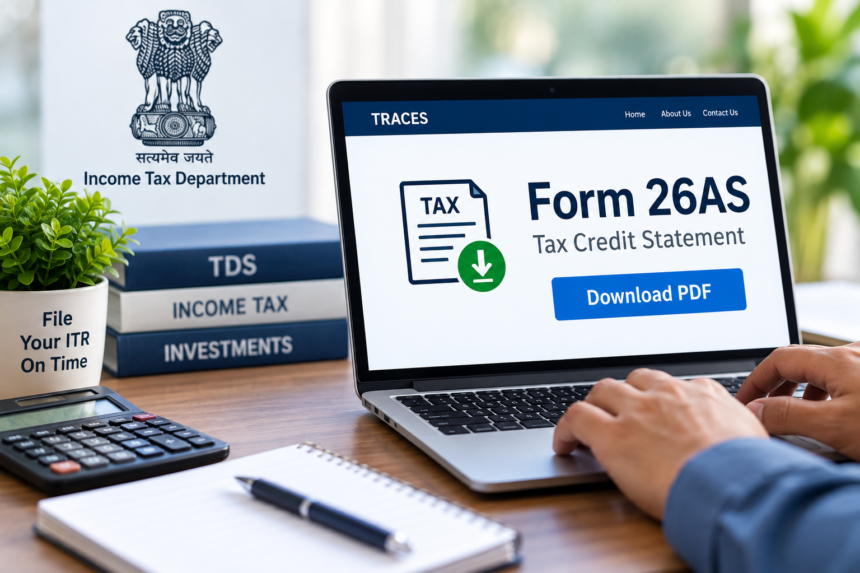
With the income tax return filing season approaching, Form 26AS is one of the key documents taxpayers should check before submitting their ITR. The statement provides details of TDS deducted during the financial year, taxes deposited and certain high-value transactions linked to the taxpayer.
For people who have forgotten their income tax portal password, accessing the document can sometimes become inconvenient because of OTP verification, password recovery and login-related issues. However, taxpayers can also access Form 26AS through the net banking services of several major banks, without directly logging into the income tax portal.
What Is Form 26AS?
Form 26AS can be viewed as a consolidated tax statement. It contains information about TDS deducted from salary, tax deducted on bank fixed deposits, advance tax payments and potential tax refund details.
The statement can also contain information about certain significant transactions and investments. Checking these details before filing an ITR can help taxpayers identify discrepancies and ensure that the information reported in their return matches their tax records.
Form 26AS and Form 168
Under the new Income Tax Act 2025, Form 26AS is also referred to as ‘Form 168’ in several instances. Despite the change in terminology, Form 26AS remains the name commonly used by taxpayers.
How to Download Form 26AS Through Net Banking
Taxpayers can access Form 26AS through the net banking facility provided by their bank. The process generally involves logging into the bank’s website and opening the relevant tax services section.
After signing in to net banking, go to the ‘Tax Services’ or ‘Income Tax’ section and look for the Form 26AS option. Selecting it will redirect you to the TRACES website.
On TRACES, choose the relevant assessment year and select ‘View as HTML’. You can then choose the ‘View’ or ‘Download’ option and save the statement as a PDF for your records.
How to Download Form 26AS From the Income Tax Portal
Taxpayers who prefer to access the statement directly can also use the Income Tax portal. After logging in, go to the ‘e-File’ section, select ‘Income Tax Return’ and then choose ‘View Form 26AS’.
You will be redirected to the TRACES website. From there, select the required assessment year and download the Form 26AS document in PDF format.
Why You Should Check Form 26AS Before Filing ITR
Checking Form 26AS before filing your return can help identify differences in TDS, salary income, bank interest or other reported transactions. Mismatched information can create problems after an ITR is filed and may result in a tax-related notice.
Before submitting your ITR, check whether the TDS entries are correct and whether your salary and bank interest figures match your records. You should also verify the transaction details, refund information and PAN details.
If you find an incorrect entry, contact the relevant company, bank or deductor and request that the information be corrected. Reviewing Form 26AS in advance can make the ITR filing process smoother and help avoid issues caused by mismatched tax information.