
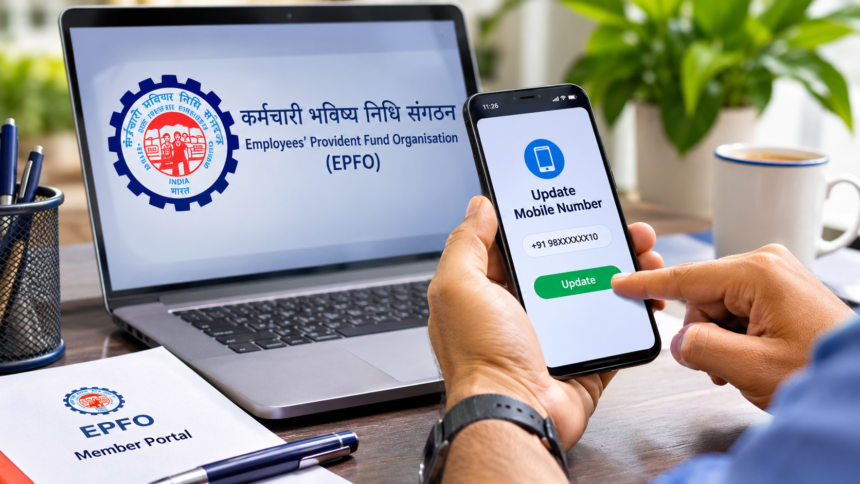
New Delhi: Employees who have an Employees’ Provident Fund (EPF) account should ensure that their latest mobile number is registered with the Employees’ Provident Fund Organisation (EPFO). A working mobile number is important for accessing several PF-related services, including checking account details, submitting withdrawal claims and completing OTP-based verification.
If you have recently changed your phone number, updating it in your Universal Account Number (UAN) profile is equally important. Without an active registered number, you may face difficulties receiving OTPs and completing important online transactions.
The good news is that eligible members can update their mobile number through the EPFO Member Portal without having to visit an EPFO office. Here is how the process works.
Why Is Your Mobile Number Important for an EPFO Account?
Your registered mobile number plays an important role in managing your PF account online. EPFO uses this number to send important account notifications and OTPs required for various services.
A registered mobile number is useful for several activities, including:
- Checking your PF account balance.
- Submitting PF withdrawal claims.
- Updating KYC details.
- Accessing and downloading your PF passbook.
- Receiving important SMS notifications related to your account.
Since OTP verification is required for several online services, keeping your registered mobile number updated can help prevent unnecessary delays.
How to Change Your Mobile Number in the EPFO Portal
EPFO members can follow these steps to update their mobile numbers through the online member portal.
Step 1: Visit the official EPFO Member Portal:
Step 2: Log in using your UAN, password and the required verification details.
Step 3: After logging in, open the ‘Manage’ section and select the ‘Contact Details’ option.
Step 4: Select the option to check or update your registered mobile number.
Step 5: Enter your new mobile number in the required fields and re-enter it to confirm that both entries match.
Step 6: Click on ‘Get Authorisation Pin’ to receive an OTP on your new mobile number.
Step 7: Enter the OTP received on your phone and click the ‘Submit’ button to complete the verification process.
Once the update is successfully processed, your new mobile number will be registered in the EPFO portal.
Important Things to Remember Before Updating Your PF Mobile Number
Before starting the process, make sure your new mobile number is active and capable of receiving SMS messages. This is necessary to complete OTP verification.
It is also important to keep your mobile number updated in other financial records, including your Aadhaar and bank KYC details, wherever applicable.
If your old phone number is still registered with your PF account, updating it can help avoid difficulties with future claims, account-related notifications and other services requiring OTP verification.
Keeping your UAN profile updated is an important part of managing your EPF account smoothly. Members should periodically check their registered contact details to ensure they can access essential PF services without unnecessary interruptions.
Disclaimer: This article is intended for general informational purposes only. EPFO portal options and verification procedures may change from time to time. The steps described are based on the process outlined in the provided information. Members should visit the official EPFO website or contact EPFO support for the latest instructions and assistance with mobile number updates.