
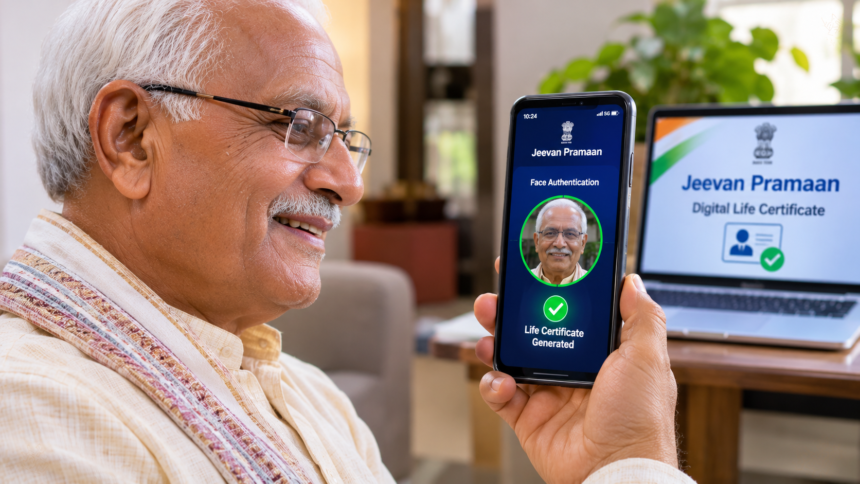
Pensioners are required to submit a life certificate every year to continue receiving their pension. Earlier, this meant visiting a bank or government pension office for verification. However, the digital life certificate facility now allows pensioners to complete this process from home using a smartphone.
With Aadhaar Face Authentication, pensioners can verify their identity through their phone’s front camera. The process does not require a fingerprint scanner or any separate biometric device.
What Is a Digital Life Certificate?
A Digital Life Certificate, also known as Jeevan Pramaan, is an electronic document that confirms that a pensioner is alive. It is used for pension-related verification and helps ensure that pension payments continue.
The online facility makes the process more convenient by reducing the need for pensioners to visit banks or pension offices in person every year.
How Does Aadhaar Face Authentication Work?
The face authentication facility verifies a pensioner’s identity using a smartphone camera. The pensioner needs to position their face in front of the camera so that the application can scan it and complete identity verification.
Once the authentication is successful, a digital life certificate is generated. One of the main benefits of this method is that pensioners do not need an external fingerprint scanner or other biometric equipment.
How to Generate a Digital Life Certificate Using a Smartphone
Pensioners can complete the process by following these steps:
- Open the Google Play Store and download the Aadhaar Face RD and Jeevan Pramaan applications.
- Launch the Jeevan Pramaan app and enter the required information to begin registration.
- Provide the pensioner’s Aadhaar number, mobile number and email ID.
- Fill in the other details requested by the application.
- Use the phone’s front camera to complete face authentication.
- Follow the app’s instructions, including blinking your eyes when prompted, to finish the verification process.
After successful identity verification, the application generates the Digital Life Certificate.
Family Members Can Help Elderly Pensioners
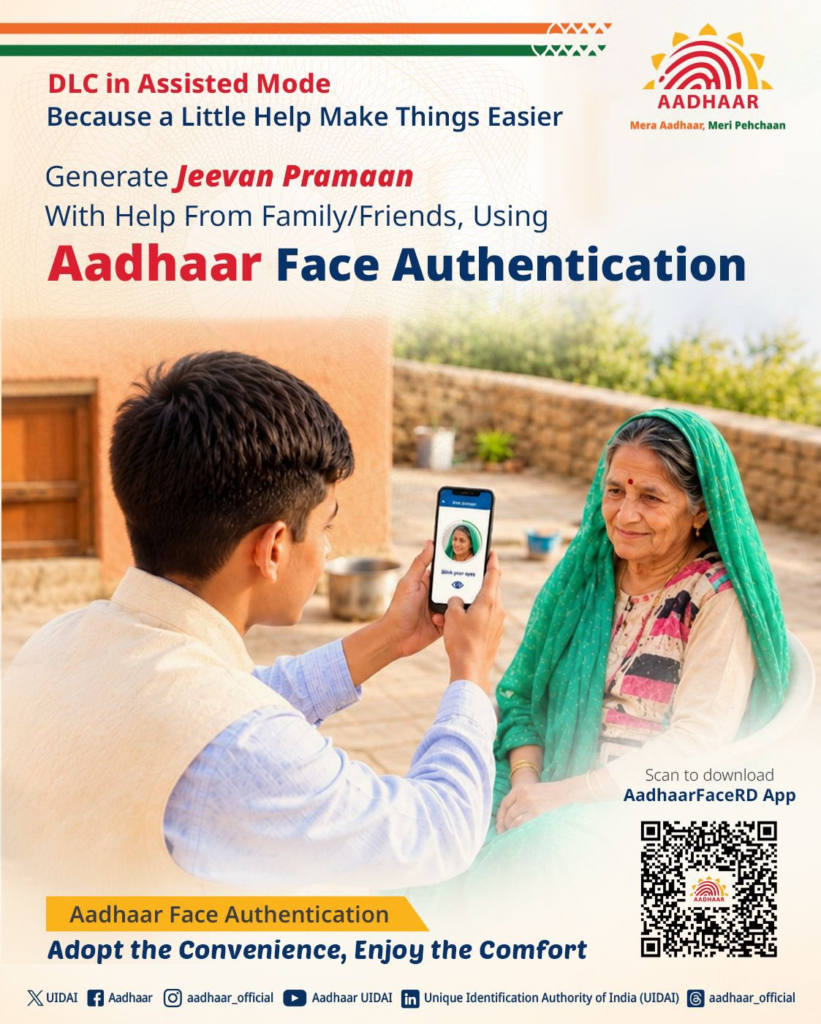
Senior citizens who are not comfortable using smartphones can take assistance from a family member or friend. Another person can use their own mobile phone to help complete the process.
The pensioner only needs to appear in front of the camera for face verification, while the family member can handle the app and enter the required information.
Disclaimer: This article is intended for general information. App procedures and service requirements may change. Pensioners should follow the latest instructions in the official Jeevan Pramaan application or consult the relevant pension authority if they need assistance.