
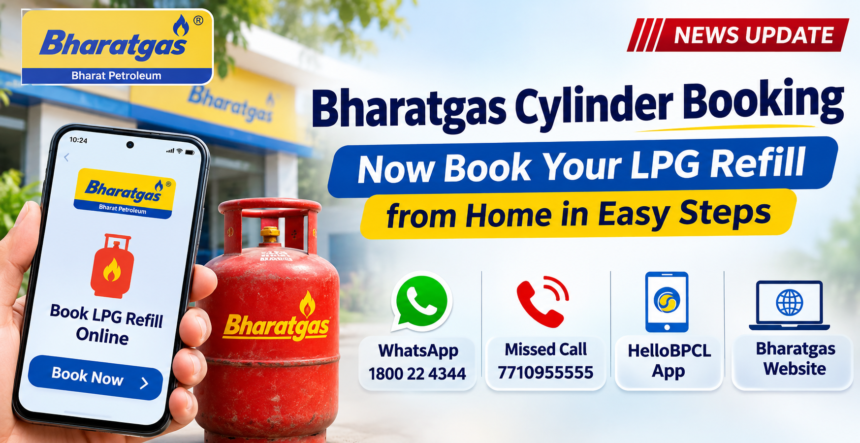
Bharatgas customers no longer need to visit their nearest gas agency to book an LPG cylinder. Bharat Petroleum (BPCL) offers several convenient options that allow consumers to request a refill directly from their mobile phones or computers.
Customers can use WhatsApp, a missed call, the HelloBPCL mobile application or the official Bharatgas website to complete the booking process from home. These digital services make LPG refill booking easier and help save time.
1. Book a Bharatgas Cylinder Through WhatsApp
Bharatgas customers can book an LPG refill through WhatsApp using their registered mobile number.
To place a booking, save or open the WhatsApp chat with 1800 22 4344 and send the message “Hi”. Follow the instructions received in the chat to complete your refill request.
Customers should ensure that they are using the mobile number registered with their Bharatgas connection to access this facility.
2. Use the Missed Call Facility for Cylinder Booking
Consumers who prefer not to use WhatsApp can book their LPG cylinder through the missed call service.
Simply give a missed call to 7710955555 from your registered mobile number. The call will disconnect automatically, and you will receive a confirmation message regarding your booking. Follow any additional instructions provided in the message, if required.
3. Book an LPG Cylinder Using the HelloBPCL App
Another convenient option is the HelloBPCL mobile application, which allows Bharatgas customers to manage their LPG refill bookings online.
Follow these steps:
- Download the HelloBPCL app on your smartphone.
- Open the application and log in to your account.
- Select your registered Bharatgas connection.
- Navigate to the LPG refill booking section.
- Complete the booking by following the instructions.
- Make an online payment, if required.
Once the process is completed, your refill booking will be submitted through the application.
4. How to Book a Bharatgas Cylinder Through the Official Website
Customers can also use the official Bharatgas website to request an LPG refill without visiting a gas agency.
Visit the Bharatgas website and log in using your account credentials. Select the LPG refill booking option, verify the required details and submit your request.
After successfully completing the booking, make sure to save the reference number for future tracking and reference.
With these four booking options, Bharatgas customers can conveniently request an LPG cylinder refill from home using their preferred digital platform.
Disclaimer: This article is published for general informational purposes only. The information provided is based on available details and may change over time. Readers are advised to visit the official Bharatgas or Bharat Petroleum website for the latest updates, service details and booking-related information. We are not affiliated with Bharat Petroleum (BPCL).