
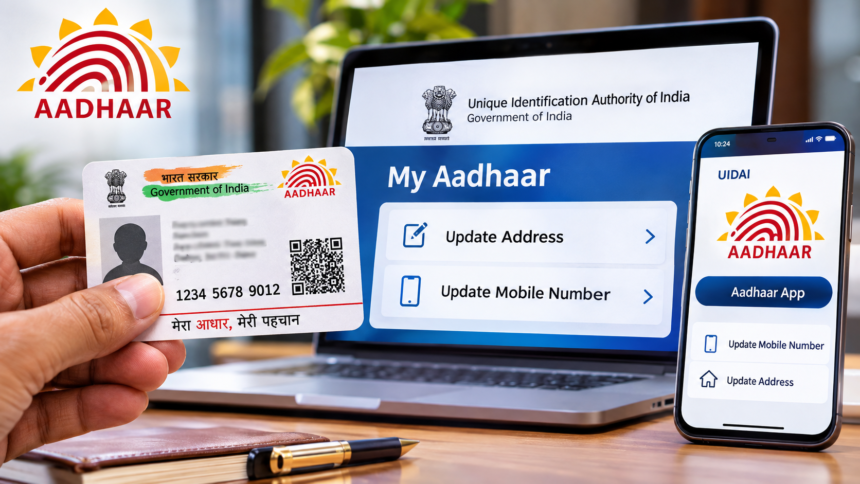
Aadhaar cardholders can now update important details, including their registered mobile number and residential address, through the official Aadhaar app and the UIDAI’s My Aadhaar portal. This online facility makes the update process more convenient and reduces the need to visit an Aadhaar enrolment centre for every correction.
Aadhaar has become an important identity document in India. It is widely used for banking services, government welfare schemes, pension benefits, ration facilities and several other essential services. Therefore, keeping Aadhaar information accurate and up to date is important, particularly when it comes to the registered mobile number and residential address.
To make Aadhaar-related services easier to access, the Unique Identification Authority of India (UIDAI) has introduced online facilities for updating selected details. However, users must complete the required verification process and pay the applicable service charges wherever necessary.
How to Update Your Mobile Number Through the Aadhaar App?
The official Aadhaar mobile application provides a facility to update registered details, including the mobile number and address. Users can access these services after logging into the application.
For mobile number updates, identity verification may be completed through methods such as face authentication or an OTP, depending on the available process.
According to the information provided, the applicable fee for updating a mobile number or address through the Aadhaar app is ₹75.
This online facility can save cardholders the inconvenience of travelling to Aadhaar centres and waiting in queues to make certain changes to their records.
How to Change Your Aadhaar Address Online?
If you have moved to a new residence or need to correct your existing address, you can submit an update request through the official UIDAI My Aadhaar portal.
Follow these steps to apply for an address change:
- Visit the official UIDAI My Aadhaar website.
- Log in using your Aadhaar number and the OTP received on your registered mobile number.
- Select the address update service.
- Enter your new address details carefully.
- Upload the required supporting documents.
- Pay the applicable service fee and submit your request.
- Save the acknowledgement or request number for future reference.
After submitting the application, you can use the request number to track the progress of your address update.
Aadhaar Biometric Update for Children: Important Rules
UIDAI guidelines also require children to update their biometric information at specific ages. These updates are important for maintaining accurate Aadhaar records as children grow older.
The mandatory biometric updates are required when a child reaches the age of 5 and again at 15 years. The process may involve updating fingerprints, iris scans and photographs.
According to the information provided, UIDAI is offering biometric updates free of charge for children between 5 and 15 years of age. This complimentary facility is available until September 30, 2027.
Parents should ensure that their children’s biometric information is updated within the prescribed age requirements.
How to Check Aadhaar Update Status Online?
Once you have submitted a request to change your mobile number, address or other Aadhaar details, you can check its progress online through the UIDAI website.
Here is how to track your application:
- Open the official UIDAI website.
- Navigate to the My Aadhaar section.
- Select the option to check Aadhaar update status.
- Enter your Service Request Number (SRN), Update Request Number (URN) or the relevant acknowledgement number.
- Submit the details to view the current status of your application.
The latest status of your Aadhaar update request will appear on the screen. Keep your acknowledgement details सुरक्षित until the process is completed.
Disclaimer
This article is intended for general informational purposes only. Aadhaar update procedures, applicable fees and service availability may change according to UIDAI guidelines. Readers are advised to visit the official UIDAI website or use its authorised application to verify the latest requirements, charges and eligibility conditions before submitting an update request.