
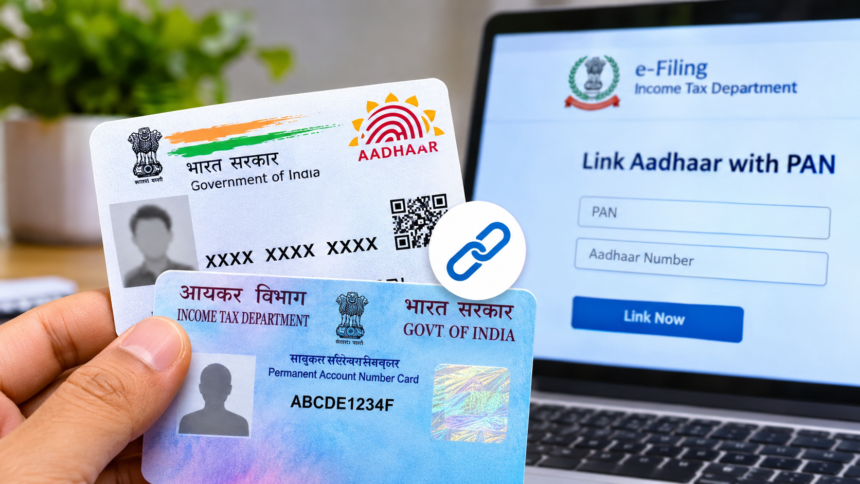
Aadhaar and PAN cards are among the most important identification documents in India. They are required for several financial and official activities, including opening bank accounts, filing income tax returns and applying for loans. Both documents also play an important role in completing the Know Your Customer (KYC) process for various government services and financial institutions.
Linking PAN with Aadhaar is an important requirement set by the government. Individuals who have not completed this process may face issues with the functionality of their PAN card. The good news is that the linking process can be completed online from home without visiting any government office.
Here is a step-by-step guide explaining how to link your PAN with Aadhaar online, complete the process through SMS and apply for a new e-PAN.
How to Link PAN Card With Aadhaar Online
You can connect your PAN and Aadhaar details through the Income Tax Department’s e-filing portal. Follow these steps to complete the process:
- Visit the Income Tax Department’s official e-filing website.
- Find and select the ‘Link Aadhaar’ option.
- Enter your 10-digit PAN number and 12-digit Aadhaar number.
- Provide your registered mobile number.
- Select the declaration confirming that you agree to validate your Aadhaar details with UIDAI.
- Submit the required information and complete the verification process.
Once the linking process is completed successfully, you will receive a confirmation message indicating that your PAN has been linked with Aadhaar.
How to Link Aadhaar With PAN Through SMS
If you do not want to use the online portal, you can also link your PAN and Aadhaar through an SMS facility.
To use this method, open the messaging application on your registered mobile number and type the message in the following format:
UIDPAN 12-digit Aadhaar number 10-digit PAN number
Send the message to either of these numbers:
- 567678
- 56161
Make sure that both your Aadhaar and PAN numbers are entered correctly before sending the message.
How to Apply for a New e-PAN Online From Home
Individuals who need a new PAN card can apply for an instant e-PAN through the Income Tax Department’s e-filing portal. The application process is online and uses Aadhaar-based verification.
Follow these steps to apply:
- Open the Income Tax Department’s official e-filing website.
- Go to the ‘Quick Links’ section available on the left side of the homepage.
- Select the ‘Instant e-PAN’ option.
- Click on ‘Get New e-PAN’.
- Enter your 12-digit Aadhaar number, select the declaration checkbox and click ‘Continue’.
- An OTP will be sent to the mobile number registered with your Aadhaar. Enter the six-digit OTP to complete verification.
- You will then be redirected to DigiLocker for verification of your date of birth and KYC information.
- If your email address is linked with Aadhaar, you may also be able to verify it.
- After verification, your Aadhaar-based details, including your name, date of birth and photograph, will appear on the screen.
Check the displayed information carefully before proceeding with the application.
Disclaimer
The information provided in this article is for general informational purposes only. PAN-Aadhaar linking requirements, government procedures and e-PAN application guidelines may change from time to time. Readers are advised to visit the official Income Tax Department e-filing portal and UIDAI website for the latest updates and accurate information before taking any action.