
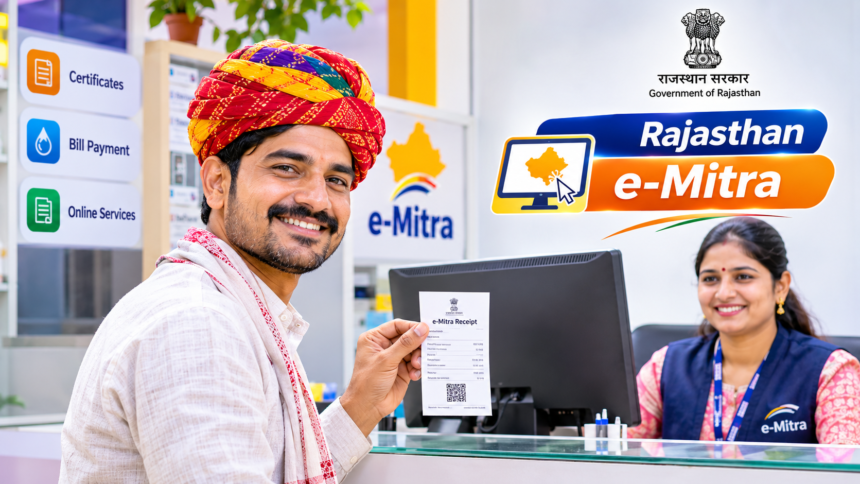
Residents of Rajasthan can access a wide range of government services through e-Mitra centres. These include applying for caste, income and residence certificates, making electricity and water bill payments, and completing other online government-related tasks.
However, while using these services, one important step should never be overlooked: collecting a computer-generated receipt after every application or payment.
Some people leave an e-Mitra centre after making a payment without asking for a receipt, relying only on the operator’s confirmation. This can create difficulties if the application is delayed, the work is not completed or an extra amount has been charged. A receipt acts as proof of the transaction and helps users track applications or raise complaints when necessary.
Why Is an e-Mitra Receipt Important?
Whenever you apply for a service or make a payment at an e-Mitra centre, make sure the operator provides a receipt.
It records important transaction details and serves as evidence of the amount paid. If an operator collects more than the prescribed fee or fails to complete the requested work, the receipt can help support your complaint.
Therefore, do not leave the centre without collecting proof of your payment or application submission.
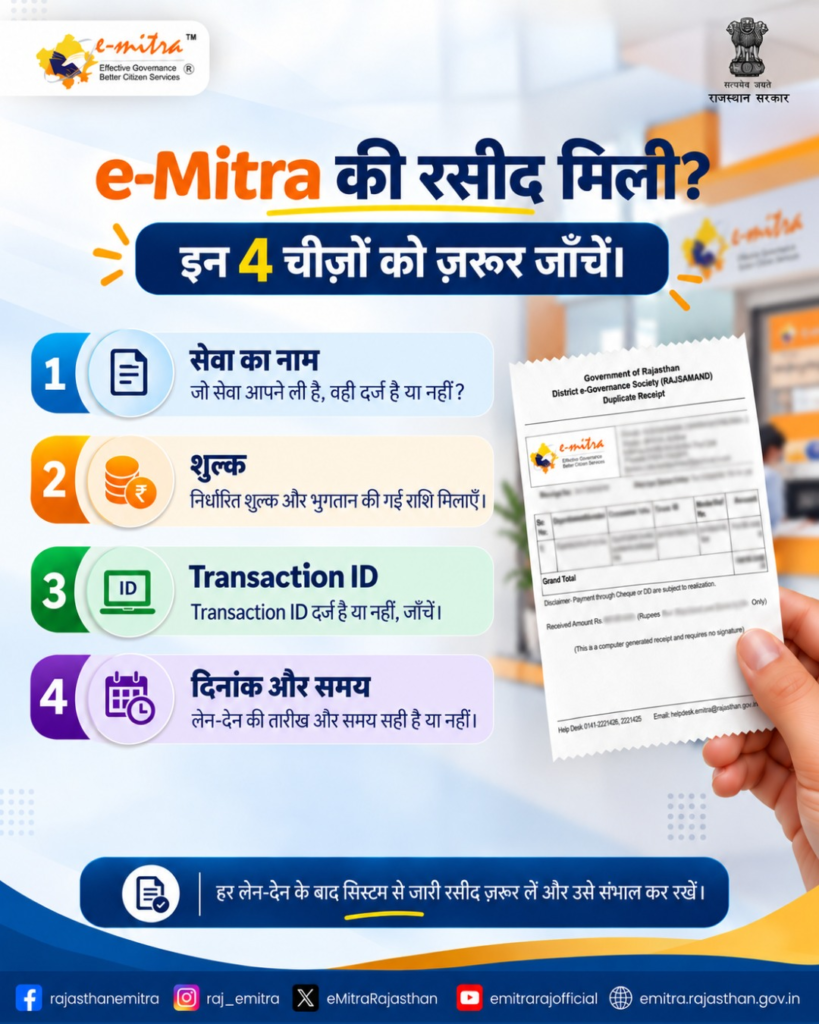
Check These Details on Your e-Mitra Receipt
Receiving a receipt is not enough; you should also check the information printed on it before leaving the centre.
Make sure it contains the correct service name, the fee charged, the transaction ID or receipt number, and the date of payment or application submission.
Keep the receipt safely, as its reference number may be required later to check the progress of your application or raise a complaint.
How to Check Your e-Mitra Application Status Online
You do not necessarily need to revisit the e-Mitra centre to find out whether your application has been processed.
You can check the status from home through the official Rajasthan government website. Open the online verification or application tracking facility and enter the receipt number or transaction ID mentioned on your receipt.
The current application status can then be viewed online. Users can also access the service through the e-Mitra mobile app.
How to Complain About Extra Charges or Missing Receipts
If an e-Mitra operator demands more than the prescribed service fee or refuses to provide a receipt, you can raise a complaint through the Rajasthan Sampark portal.
Before submitting the complaint, keep the relevant receipt, transaction ID and application number ready. These details can help identify the transaction and support the complaint.
Always collect and preserve your e-Mitra receipt to make it easier to verify payments, track applications and address service-related issues.
Disclaimer: This article is intended for general informational purposes only. Service charges, application procedures and complaint mechanisms may be subject to changes in government guidelines. Residents should use official Rajasthan government platforms or contact the concerned department to confirm the latest information.