
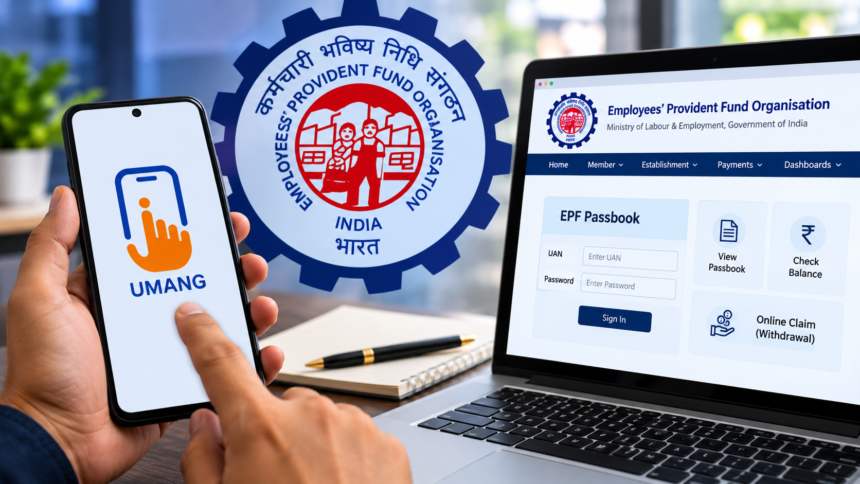
Provident Fund (PF) is an important financial saving for salaried employees, helping them build a fund for their future. Many employees use the UMANG app to check their EPF balance, download their passbook and submit withdrawal requests. However, if the app is not working properly or users experience technical issues, they can access these services through the official Employees’ Provident Fund Organisation (EPFO) website.
The EPFO portal allows members to check their account details, view contributions and apply for eligible PF withdrawals without depending on the UMANG app.
How to Check Your EPF Balance and Download Your Passbook Online
Employees who are unable to access their PF information through UMANG can use the EPFO passbook portal. The process is straightforward and requires their Universal Account Number (UAN) and password.
Follow these steps to view your EPF passbook:
- Visit the official EPFO passbook portal.
- Enter your UAN and password to log in.
- Select the relevant Member ID from your account.
- Open your passbook to check the available balance and contribution details.
After logging in, you can view the contributions made by both you and your employer, along with the interest credited to your PF account.
How to Withdraw PF Money Through the EPFO Website
Employees who want to withdraw their provident fund savings can submit an online claim through the EPFO Member Portal.
First, visit the official EPFO member website and sign in using your UAN and password. Select the online claim facility and choose the withdrawal option applicable to your eligibility. Enter the required information and submit your application.
Before filing the claim, make sure your UAN is active and your KYC information has been updated successfully. Your Aadhaar, PAN and bank account details should be accurate and consistent with the information registered with EPFO.
If the portal asks for Aadhaar-based OTP verification, enter the OTP received on your registered mobile number to complete the authentication process.
How to Check PF Withdrawal Claim Status
After submitting an online PF withdrawal application, employees can track its progress through the Claim Status section available on the EPFO portal.
It is important to understand that submitting a withdrawal request does not mean the money will be transferred to your bank account immediately. The claim must first go through the required processing and settlement procedures.
Employees can regularly check the online claim status to find out whether their application is still being processed or has been settled.
Disclaimer
This article is intended for general information and awareness purposes only. EPFO procedures, eligibility requirements and claim processing timelines may vary depending on individual circumstances and applicable rules. Employees should visit the official EPFO website for the latest information and verify all details before submitting any PF-related request.