
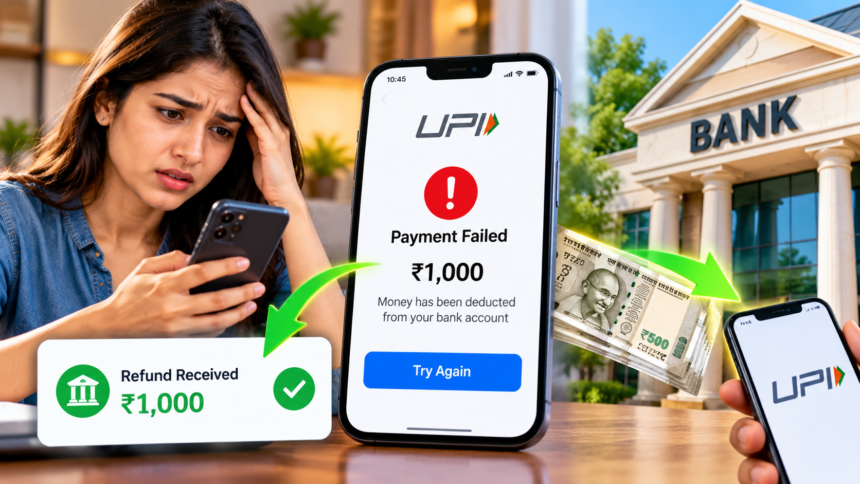
Unified Payments Interface (UPI) has made digital payments a regular part of everyday life. However, users may occasionally face a problem where money is deducted from their bank account but the payment fails or the recipient does not receive the amount.
Such situations can be stressful, but a failed transaction does not necessarily mean the money is lost. Users can check the transaction status, raise a complaint through their UPI app and contact their bank if the issue remains unresolved. Here is a step-by-step guide to handling a failed UPI payment.
Check Your UPI Transaction Status
If money has been deducted but the payment has not reached the recipient, begin by opening the UPI app used for the transaction. Go to the transaction history and check whether the payment is marked as successful, failed or pending.
In some cases, the status may take time to update. If the recipient has not received the money and the transaction details remain unclear, verify the status before taking further action. This can help you decide whether to wait for an automatic reversal or raise a complaint.
How Long Does a Failed UPI Payment Refund Take?
When a UPI transaction fails after the amount has been deducted, the money may be returned automatically to the sender’s bank account. Depending on the type of transaction and the reason for the failure, the reversal may happen on the same day or take longer.
While waiting, avoid repeating the payment if the earlier transaction is still pending. Making another payment before confirming the first transaction’s status could result in paying twice.
If the money does not return within the expected period, check the applicable refund timeline and raise a complaint through the relevant payment app or bank.
How to Raise a Complaint Through Your UPI App
Most UPI apps provide a support option for reporting payment problems. To submit a complaint, open your app and locate the transaction in your payment history.
Select the relevant transaction and look for an option such as Help, Support or Raise an Issue. Choose the problem that best describes your situation and submit the complaint with the requested details.
The app may provide a complaint reference number after submission. Keep this number safe so you can use it when following up on the issue.
Contact Your Bank or File an RBI Complaint
If the issue is not resolved through the UPI app, contact your bank’s customer care team or visit a branch. Keep the following information ready:
- Transaction date and time.
- Amount deducted from your account.
- UPI transaction ID or UTR number.
- Bank SMS or notification confirming the deduction.
- Transaction status shown in your UPI app.
Providing accurate details can help the bank investigate the payment and identify the reason for the delay.
If you have already complained to your UPI app provider and bank but the matter remains unresolved, you may be able to escalate it through the Reserve Bank of India’s Complaint Management System at https://cms.rbi.org.in/. Check the applicable eligibility requirements and complaint procedure before submitting your case.
Disclaimer: This article is intended for general informational purposes and does not guarantee a specific refund timeline or outcome. The time required to reverse a failed UPI transaction can depend on the circumstances and applicable banking rules. For assistance with a particular payment, contact your UPI app provider or bank and follow the official RBI complaint process where applicable.