
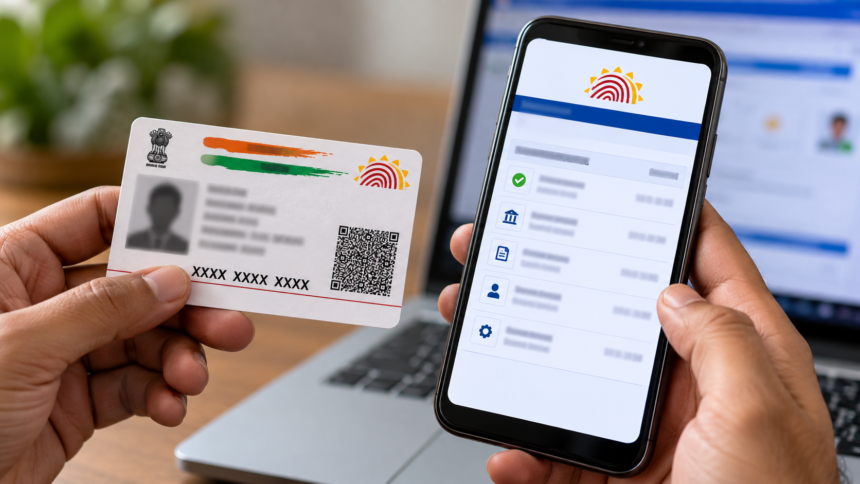
Aadhaar is an important identity document in India, used for various purposes, including banking services, government schemes and identity verification. Since Aadhaar authentication is required for many services, it is important to keep track of when and where your Aadhaar number is being used.
The Unique Identification Authority of India (UIDAI), which manages the Aadhaar system, offers an online facility called Aadhaar Authentication History. This service allows users to check their Aadhaar authentication records from their mobile phones or computers without visiting an Aadhaar centre.
How to Check Aadhaar Authentication History Online
You can check your Aadhaar authentication history by visiting the official UIDAI website and following a few simple steps.
First, open the official UIDAI website and access the Aadhaar authentication history service. Enter your 12-digit Aadhaar number and select the option to receive a One-Time Password (OTP). The OTP will be sent to your registered mobile number.
Enter the OTP to complete the verification process. After logging in, find the Authentication History option on the dashboard and open it to view the available records of Aadhaar authentication.
Why You Should Check Your Aadhaar History
Checking your Aadhaar authentication history helps you monitor how your Aadhaar number has been used for verification. By reviewing the available records, you can identify transactions or authentication attempts that you do not recognise.
Regularly checking this information can help you notice potentially suspicious activity at an early stage. If you find an unfamiliar entry, you can investigate the matter and report suspected unauthorised use to the appropriate authorities.
What to Do If You Suspect Aadhaar Misuse
If your Aadhaar authentication history shows suspicious activity, you can lock your biometrics through the official UIDAI website or the mAadhaar app. Once biometric locking is activated, authentication using your fingerprints or iris scans is restricted until you unlock the biometrics.
You can also contact the Aadhaar helpline at 1947 to report the issue. Keep the relevant authentication date and transaction details available when submitting your complaint.
If you suspect that the incident involves financial fraud or another cybercrime, contact the National Cyber Crime Helpline at 1930 or submit a complaint through the official National Cyber Crime Reporting Portal.
Taking these steps can help you review Aadhaar-related activity, report suspicious transactions and protect your identity from potential misuse.
Disclaimer
This article is intended for general informational purposes only. The information provided is based on the Aadhaar authentication history and security facilities described in the article. Readers should visit the official UIDAI website or use the official mAadhaar app to verify the latest procedures and guidelines. The availability of services and authentication records may vary. This article does not constitute legal or financial advice.