
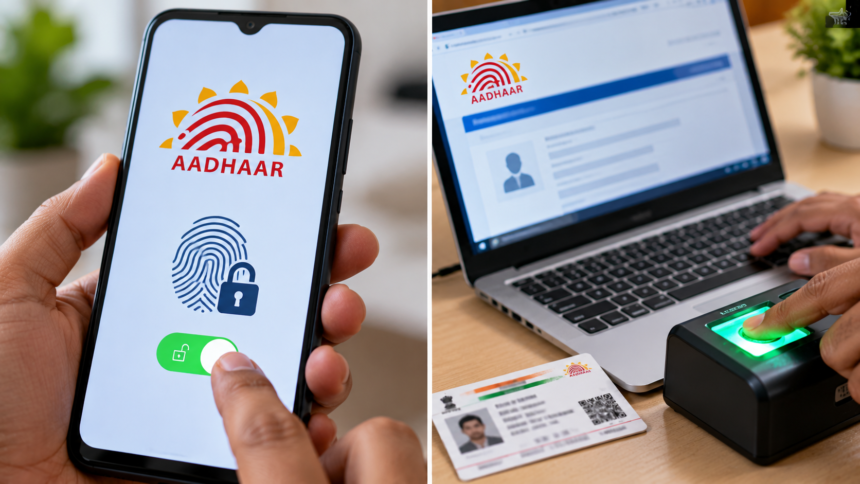
Aadhaar is widely used for identity verification and accessing various services. However, protecting the personal information linked to your Aadhaar is essential, particularly as digital fraud continues to be a concern.
The Unique Identification Authority of India (UIDAI) provides a biometric locking feature that allows users to prevent the use of their fingerprints and other supported biometric information for Aadhaar authentication while the lock is active. Users can unlock their biometrics when they need to use an eligible authentication service.
This facility can be managed through UIDAI’s official online services and supported Aadhaar applications. Here is how to unlock your biometrics when required.
How to Unlock Aadhaar Biometrics Through the Aadhaar App
If your Aadhaar biometrics are locked, follow these general steps to access the relevant settings through the official app:
- Open the official Aadhaar app on your smartphone.
- Sign in and complete the required security verification, such as entering your PIN, if prompted.
- Find the biometric lock or related security settings.
- If your biometrics are locked, select the available unlock option.
- Follow the on-screen instructions to complete the process.
Once the request is successfully processed, your biometrics should be available for authentication according to the selected settings and UIDAI’s rules.
How to Unlock Biometrics Through the MyAadhaar Portal
You can also manage your Aadhaar biometric settings through the official MyAadhaar portal. The general process is as follows:
- Visit the official UIDAI MyAadhaar portal.
- Select the login option and enter your Aadhaar number.
- Complete the authentication process using the OTP sent to your registered mobile number, if required.
- Locate the biometric lock or unlock service.
- Follow the instructions displayed on the screen to submit your request.
Check the confirmation message to ensure that the requested change has been completed successfully.
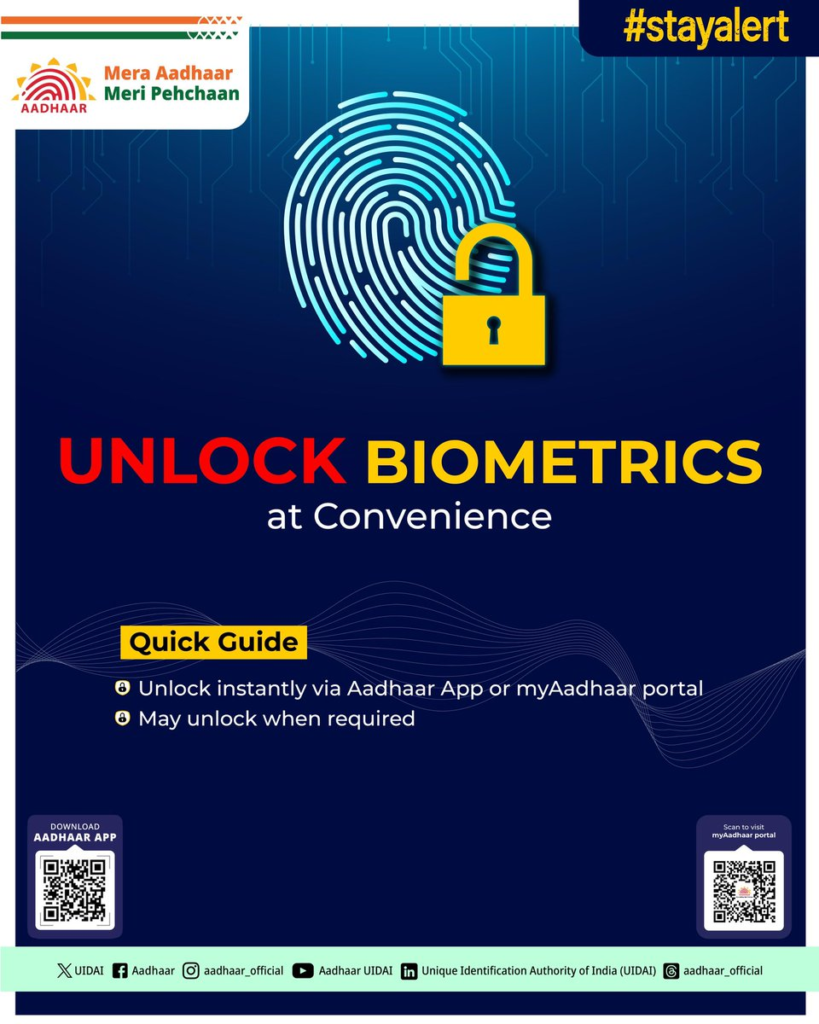
Why Aadhaar Biometric Security Matters
Biometric locking gives Aadhaar holders an additional way to control the use of their biometric information for authentication. Keeping biometrics locked when they are not needed can help reduce the risk of unauthorised biometric authentication.
Before using an Aadhaar-based service that requires biometrics, check whether your settings allow the authentication to proceed. You can then manage the lock again when appropriate.
Disclaimer: This article is for general informational purposes only. The steps and available options may vary depending on UIDAI’s current services and app updates. Always use official UIDAI platforms, and never share your Aadhaar OTP, PIN or other authentication details with unauthorised individuals.