
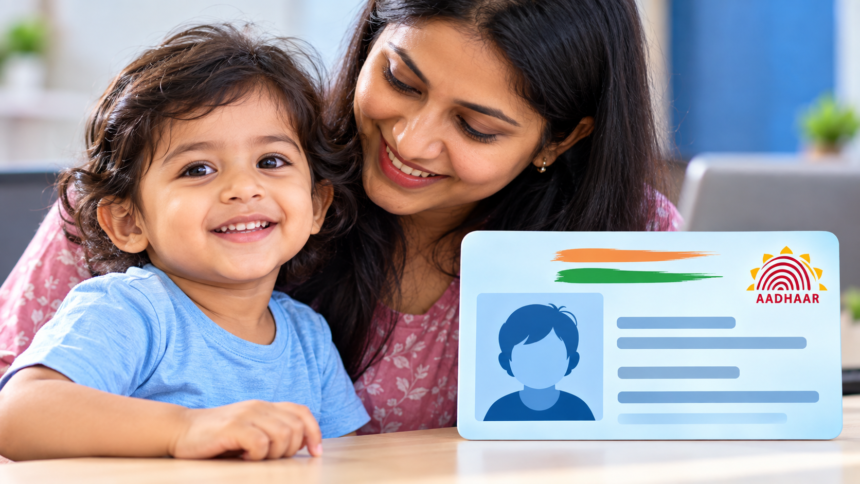
Blue Aadhaar Card Update: Aadhaar has become one of the most important identity documents in India and is required for a wide range of government and financial services. While most people are familiar with the regular Aadhaar card, there is also a special version known as the Blue Aadhaar card.
The Blue Aadhaar is issued specifically for children below the age of five. It can be used for purposes such as school admission and various government-related requirements. Here is everything you need to know about this Aadhaar card, including its validity, application process and download methods.
What Is a Blue Aadhaar Card?
According to UIDAI, the Blue Aadhaar card is issued to children below five years of age. Unlike the regular Aadhaar process, biometric information such as fingerprints is not required for children in this age group.
The child’s demographic information and photograph are used for the Aadhaar. The Blue Aadhaar remains valid until the child turns five. After reaching the age of five, a new Aadhaar card needs to be obtained.
How to Apply for a Blue Aadhaar Card
To apply for the Blue Aadhaar card, parents or guardians need to visit the official UIDAI website and begin the Aadhaar application process.
The required details include the child’s name, phone number, email ID, place of birth and complete address. After submitting the required information, the child must be taken to a nearby UIDAI centre for the further process. An appointment can also be booked online.
There is no charge for obtaining a Blue Aadhaar card.
How to Download Blue Aadhaar Online
Like a regular Aadhaar card, the Blue Aadhaar can be downloaded through different digital platforms, including the UIDAI website, the Aadhaar app and DigiLocker.
Download Through the Aadhaar App
Log in to your profile on the Aadhaar app and go to the profile section. Select ‘Add Profile’ and create a four-digit PIN for the new profile.
Next, enter the child’s Blue Aadhaar number along with the parent’s registered mobile number. After receiving the OTP, enter it to complete verification. Once the verification is successful, the Aadhaar card can be downloaded.
Download Through the UIDAI Website
Visit myaadhaar.uidai.gov.in and select the option to download the Aadhaar card. Enter the required Blue Aadhaar details and the registered mobile number.
An OTP will be sent for verification. After entering the OTP and completing the verification process, the Aadhaar card can be downloaded.
Download Through DigiLocker
Open the DigiLocker app and log in to your account. Use the search option to find the Aadhaar card service and provide the required details after giving permission to access the document.
Select ‘Get Document’ and complete OTP verification. Once the process is completed, the Aadhaar card will be available under the ‘Issued Documents’ section, from where it can be downloaded.
Disclaimer: The information provided in this article is based on the details mentioned regarding the Blue Aadhaar card and its application and download procedures. Processes, requirements and digital services may change over time. Parents or guardians should verify the latest information and applicable procedure through official UIDAI channels before proceeding.