
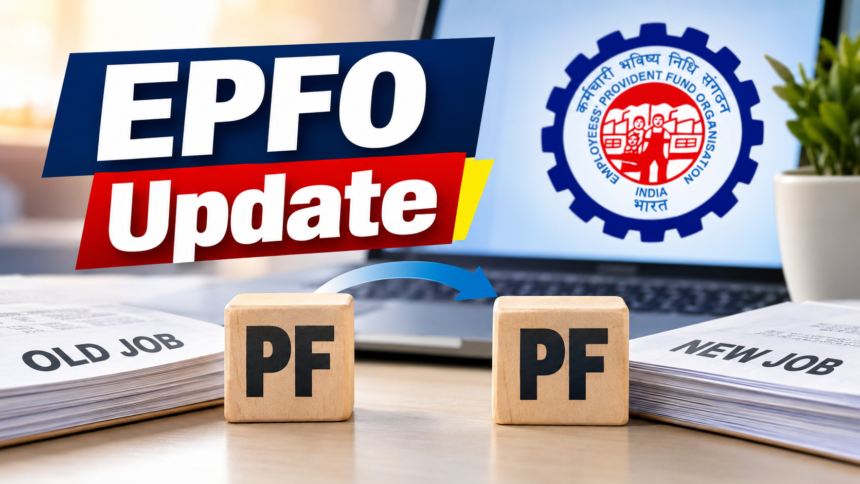
Changing jobs does not mean your Provident Fund (PF) balance has to remain in your previous employer’s account. Employees can transfer their old PF balance to their current account through the EPFO’s online facility.
When a person changes jobs, PF contributions from the new employer may begin accumulating under a different PF member ID if the previous balance has not been transferred. As a result, employees who have worked for several companies can end up with PF balances associated with multiple accounts.
To keep these records consolidated, employees should first make sure that both their old and new PF member IDs are linked with the same Universal Account Number (UAN).
Check UAN and KYC Details Before PF Transfer
The UAN connects multiple PF member IDs belonging to an employee under one account. Before submitting a transfer request, employees should verify that their old and current PF accounts are correctly linked to their UAN.
It is also important to check KYC information before starting the process. Details such as Aadhaar, PAN and bank account information should be accurate and updated. Any discrepancies should preferably be corrected before submitting the transfer claim.
How to Transfer PF Online
Employees can initiate the PF transfer process from home through the EPFO member portal. First, log in using your UAN and password and go to the ‘Online Services’ section.
Under this section, select ‘One Member – One EPF Account’. The EPFO’s official FAQs provide the transfer procedure through this option. Employees should then check the details of their old and current PF accounts.
After selecting the previous PF account, enter the required information and submit the transfer claim online. The current Form 13 system brings together information related to the member’s KYC, available PF balance, contributions, transfers and interest, helping members review the details associated with the claim.
Form 13 is used to transfer the PF balance from the previous account to the employee’s current PF account. The form contains details of both the old and current PF accounts.
Once the transfer is completed, Annexure-K contains details related to the transfer. EPFO has incorporated Annexure-K into the new Form 13, including information about taxable and non-taxable components of the fund.
Benefits of Transferring Your Old PF Balance
Moving the balance from an old PF account to the current account helps keep an employee’s PF records consolidated instead of leaving balances across multiple previous accounts.
A consolidated PF record can make it easier to manage future claims or withdrawals because employees do not have to deal with several old accounts separately. However, transferring PF does not by itself guarantee pension eligibility or tax benefits. These depend on the applicable rules and the individual employee’s eligibility.
How to Check PF Transfer Status
After submitting an online transfer request, employees can check its progress through the ‘Track Claim Status’ option available on the EPFO portal.
Employees who have changed jobs and still have PF money in their previous employer’s account should first verify their UAN and KYC details. If required, they can then submit an online transfer request to move the old PF balance to their current account.
Disclaimer
This article is intended for general informational purposes only. PF transfer procedures, eligibility requirements and related rules may be subject to change. Employees should verify the latest information and applicable requirements through the official EPFO portal before taking any action.