
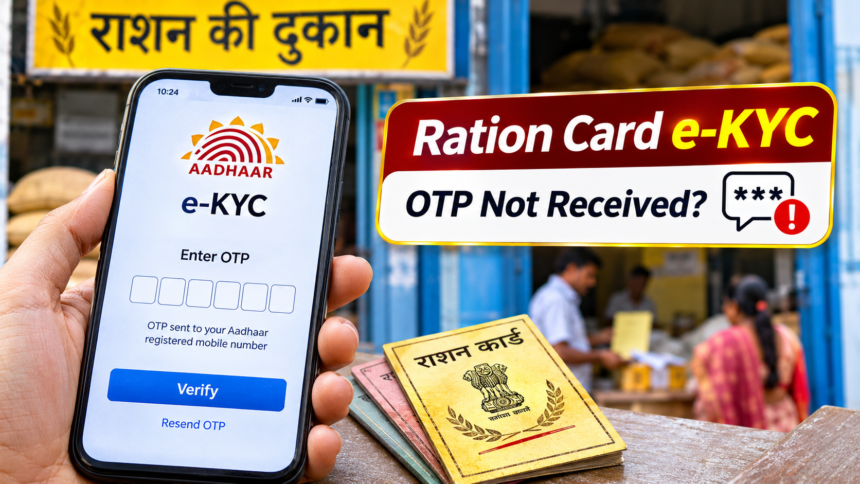
Many people face OTP-related problems while completing Aadhaar-based e-KYC for their ration cards. Even after entering their Aadhaar number, the verification OTP may not arrive, could be delayed or may fail to work despite several attempts.
If you are facing this problem, there is no need to panic. The first step is to check whether your current mobile number is registered with Aadhaar. You can also contact your ration dealer to ask whether biometric authentication or another available verification method can be used.
Here are the common reasons why your ration card e-KYC OTP may not arrive, the steps you can take to resolve the issue and what to do if your mobile number is not linked to Aadhaar.
Why Is Your Ration Card e-KYC OTP Not Arriving?
There can be several reasons behind OTP delivery problems during ration card e-KYC. Some of the most common causes are:
- Mobile number not linked to Aadhaar: An Aadhaar OTP cannot be delivered if no mobile number has been registered with your Aadhaar.
- Old mobile number registered: If your Aadhaar is still connected to a previous number, the OTP will be sent there instead of your current phone.
- Poor network connectivity: Weak mobile signals or SMS service interruptions can delay OTP delivery.
- Too many OTP requests: Repeatedly requesting OTPs without completing verification may temporarily restrict further requests.
- Technical problems: Temporary server errors or issues with the Aadhaar authentication and e-KYC portal can affect OTP delivery.
- Incorrect Aadhaar details: Entering an incorrect Aadhaar number can prevent the verification process from proceeding.
What to Do If Your Ration Card e-KYC OTP Is Not Received
If you are not receiving an OTP, try the following steps before making another verification attempt.
1. Check your Aadhaar-registered mobile number
First, confirm whether your current mobile number is linked to your Aadhaar.
Visit the official UIDAI website at https://uidai.gov.in/. Under Aadhaar Services, select the Verify Email/Mobile Number option and enter the required details to check your registered contact information.
If your current number is not linked to Aadhaar, the OTP will not be delivered to your phone.
2. Check your mobile network and SMS settings
Network problems can sometimes interrupt OTP delivery. Check whether your phone has a proper mobile signal and make sure Aeroplane Mode is switched off.
You can also restart your device, check that your SMS inbox is not full and move to an area with better network coverage. After waiting for a short time, request the OTP again.
3. Do not request OTPs repeatedly
Repeated OTP requests may lead to a temporary restriction.
According to UIDAI’s OTP guidelines, requesting five OTPs within 30 minutes without successfully completing verification may result in error code 953 on the sixth attempt. This can temporarily prevent further OTP requests for around 30 minutes.
To avoid this issue, stop making repeated requests and wait before trying again.
4. Enter the correct Aadhaar number
Check your Aadhaar number carefully before submitting it for e-KYC. Even a small typing mistake can interrupt the verification process.
Make sure you are entering the correct Aadhaar number and have not accidentally used another family member’s details.
5. Try again after some time
If your registered mobile number and network connection are working properly but the OTP is still not arriving, the problem could be temporary and related to the server or e-KYC portal.
Wait for some time before trying again. If the issue continues, contact your ration dealer or visit the local food supply office for assistance.
How to Update Your Mobile Number in Aadhaar
If your current mobile number is not registered with Aadhaar, or the previously linked number is no longer active, you will need to update your contact details.
Follow these steps:
- Visit your nearest Aadhaar Seva Kendra or an authorised Aadhaar Enrolment and Update Centre.
- Carry your Aadhaar card with you.
- Ask for a mobile number update.
- Complete the required formalities at the centre.
- Keep the acknowledgement receipt or request number for future reference.
UIDAI requires individuals to visit an Aadhaar Seva Kendra or authorised update centre if their old registered mobile number is unavailable or if no mobile number was previously added to Aadhaar.
Once your mobile number details have been updated, you can try the ration card e-KYC process again using the registered number.
Disclaimer: This article is intended for general informational purposes only. Aadhaar services, OTP procedures and ration card e-KYC requirements may change from time to time. Readers should check the latest instructions on the official UIDAI website or contact their local food supply department for accurate guidance.