
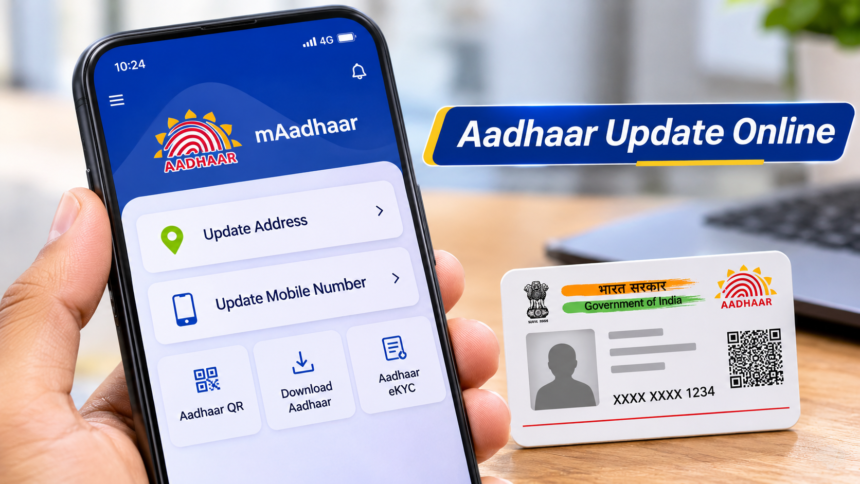
Aadhaar Card Update: Aadhaar cardholders can now access several important services through the new Aadhaar mobile application without visiting an Aadhaar centre or waiting in long queues. The Unique Identification Authority of India (UIDAI) has introduced the app with facilities that allow users to manage certain Aadhaar details directly from their smartphones.
The application is available for both Android and iPhone users. According to a recent post shared by UIDAI’s official account on X (formerly Twitter), users can use the new app to request updates to their registered mobile number and address.
Here is how to download the Aadhaar app, access its services and complete the address update process.
How to Install and Access the New Aadhaar App
To use the new Aadhaar services, users first need to download and install the official Aadhaar application on their smartphones.
After installation, open the application and register using your Aadhaar number and the required authentication details.
Once logged in, navigate to the Services section. Here, users can find options related to updating their mobile number and residential address.
Select the service you want to use and follow the instructions displayed in the application to proceed.
Aadhaar Address Update Fee
Users who want to change their residential address through the Aadhaar app will have to pay a fee of ₹75.
To begin the process, select the Address Update option under the Services section and follow the instructions provided by the application.
How to Update Your Aadhaar Address From Home
Follow these steps to request an address update using the new Aadhaar app:
- Download and install the Aadhaar application from the official Android or iOS app store.
- Open the application and register using your Aadhaar number and registered mobile number.
- Complete the required authentication, including face authentication.
- Log in and go to Services > Address Update.
- Choose either My Document or A Family Member’s Aadhaar.
- Select Continue to Update Address and follow the instructions.
After completing the required steps, proceed with the application as directed.
How to Update a Family Member’s Aadhaar Address
The app also provides an option to initiate an address update for a family member.
If you select A Family Member’s Aadhaar, follow these additional steps:
- Enter the Aadhaar number of the concerned family member.
- Select your relationship with that person.
- Tap on Continue to Face Authentication.
- Make sure biometric locking is disabled before completing face authentication.
- Once authentication is successful, select Confirm and Pay to complete the payment process.
The application provides these services digitally, allowing Aadhaar holders to initiate eligible update requests through their smartphones.
Disclaimer: This article is intended for general informational purposes only and is based on the Aadhaar app details provided in the source information. Service availability, fees, authentication requirements and update procedures may change. Users should refer to the official UIDAI website or Aadhaar application for the latest guidelines before submitting an update request.