
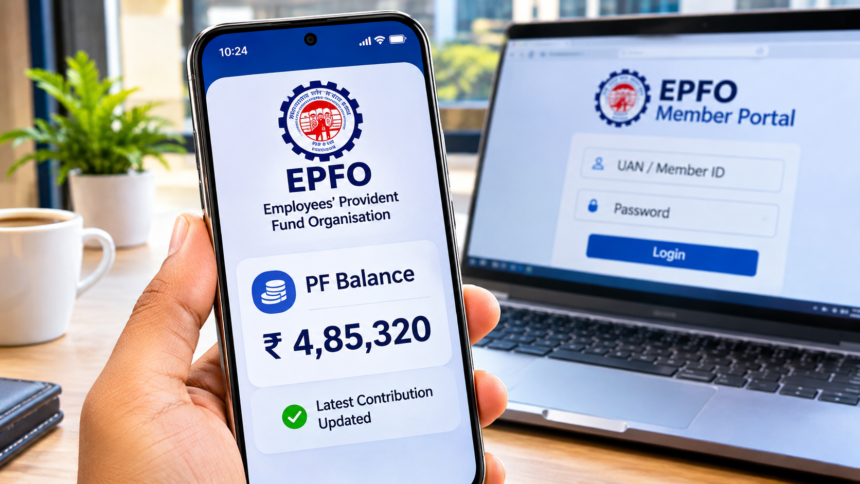
PF Balance Check: Employees contribute a portion of their monthly salary to the Employees’ Provident Fund (EPF), helping them build savings for retirement and future financial needs. Keeping track of these contributions is important so that employees know how much money has accumulated in their accounts.
Earlier, checking PF details often required visiting an office or contacting the employer. Today, EPFO provides several digital facilities that make it easier to access account information from home.
Even if you do not remember your Universal Account Number (UAN), there are alternative ways to check certain PF details. Here are the different methods available to EPF members.
Check PF Balance Through a Missed Call
EPFO provides a missed-call facility for members who want to know their PF account details.
To use this service, give a missed call to 9966044425 from your registered mobile number. The call will disconnect automatically after a few seconds.
You will then receive an SMS containing information about your PF balance and the latest contribution.
However, this facility requires your mobile number to be linked with your UAN. Therefore, it may not work if your UAN is inactive or your mobile number is not registered.
Check PF Balance Through SMS
Another way to access your EPF account information is through the SMS service provided by EPFO.
For this facility, your UAN must be active and your e-KYC details should be completed. Send an SMS from your registered mobile number to 7738299899 in the following format:
EPFOHO UAN LAN
Replace UAN with your 12-digit Universal Account Number and LAN with your preferred language code.
For example:
- HIN – Hindi
- ENG – English
After sending the message, you will receive an SMS containing your available PF account information.
How to Check PF Balance Using the UMANG App
The UMANG application also allows employees to access their EPF account details through their smartphones.
Follow these steps:
- Download and open the UMANG app.
- Log in to your account.
- Navigate to the EPFO section.
- Select Employee Centric Services.
- Choose the View Passbook option.
- Complete the OTP verification process.
After successful verification, your PF passbook and available balance will appear on the screen.
Check PF Balance Through the EPFO Member Portal
Employees can also access their complete PF passbook through the official EPFO member portal.
Visit the EPFO website and follow these steps:
- Open the official EPFO website.
- Go to Our Services and select For Employees.
- Find and click on Member Passbook.
- Enter your 12-digit UAN and password to log in.
- Select the relevant Member ID.
Your PF passbook will display the contribution details and accumulated balance in your account.
Disclaimer: This article is intended for general informational purposes and explains the PF balance-checking methods mentioned in the source material. Some services require an active UAN, registered mobile number and completed KYC verification. Service availability and procedures may change. Members should consult the official EPFO website for the latest instructions.