
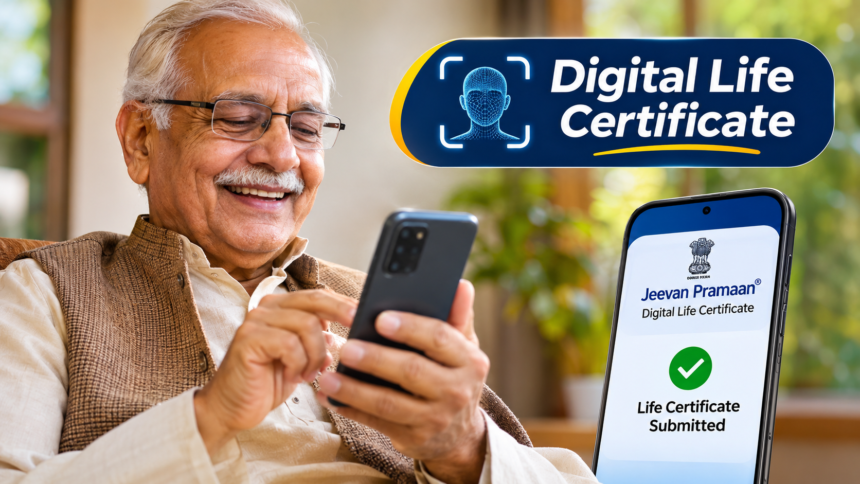
Digital Life Certificate Online: Submitting a Life Certificate is an important requirement for pensioners to continue receiving their pension. However, visiting banks or government offices to complete this formal process can be challenging, particularly for elderly people and those with mobility difficulties.
To make the process easier, the government has introduced a facility that allows pensioners to generate their Digital Life Certificate (DLC) from home using a smartphone. With the help of Aadhaar Face Authentication, pensioners can verify their identity through their phone’s front camera and complete the process digitally without making repeated visits to banks or government offices.
The facility is available through the Jeevan Pramaan Face App, which uses facial recognition for identity verification. Here is everything pensioners need to know about the documents required and the steps involved in generating a Digital Life Certificate.
Documents and Details Required for a Digital Life Certificate
Before starting the online Life Certificate process, pensioners should keep certain documents and personal details ready. Having this information available can make the registration and verification process easier.
The following details are required:
- A smartphone with a camera.
- The pensioner’s Aadhaar number.
- A mobile number registered with Aadhaar.
- An active email address.
- Pension Payment Order (PPO) number.
- Details of the pension-disbursing agency.
- Relevant bank account information.
These details are needed to complete the registration, identity verification and pension-related information process.
How to Generate a Digital Life Certificate Using a Mobile Phone
Pensioners can complete the Aadhaar Face Authentication process using their smartphones by following a series of steps.
- First, download and install the Jeevan Pramaan Face App and Aadhaar Face RD App on your smartphone.
- Open the application and complete the Operator Registration process.
- Enter your Aadhaar number, registered mobile number and email address.
- Verify the information using the OTP received on your mobile phone.
- Enter your name exactly as it appears on your Aadhaar card.
- The application will then ask you to scan your face using your phone’s camera.
- Once your facial identity is successfully verified, the initial authentication process will be completed.
- Next, enter the pensioner’s required details, including the relevant pension information.
- Complete the final verification by scanning the pensioner’s face.
- After successful authentication, the Digital Life Certificate can be generated and downloaded.
Following these steps allows pensioners to complete the process digitally without having to visit a bank branch or government office.
Aadhaar Face Authentication: Submit Your Life Certificate From Home
The Unique Identification Authority of India (UIDAI), which issues Aadhaar cards, provides the Aadhaar Face Authentication facility to help pensioners complete their Digital Life Certificate process conveniently.
Through this technology, a pensioner’s identity can be verified using facial recognition on a smartphone. This removes the need for elderly individuals to travel to banks or government offices simply to submit their Life Certificate.
The facility is particularly helpful for senior citizens who find travelling or standing in long queues difficult. By using a smartphone and completing the required authentication steps, they can generate their Digital Life Certificate from home.
Disclaimer: This article is intended for general informational purposes only. The process, application requirements and available services may change over time. Pensioners should refer to the official Jeevan Pramaan and UIDAI websites for the latest instructions and verify all requirements before submitting their Digital Life Certificate.