
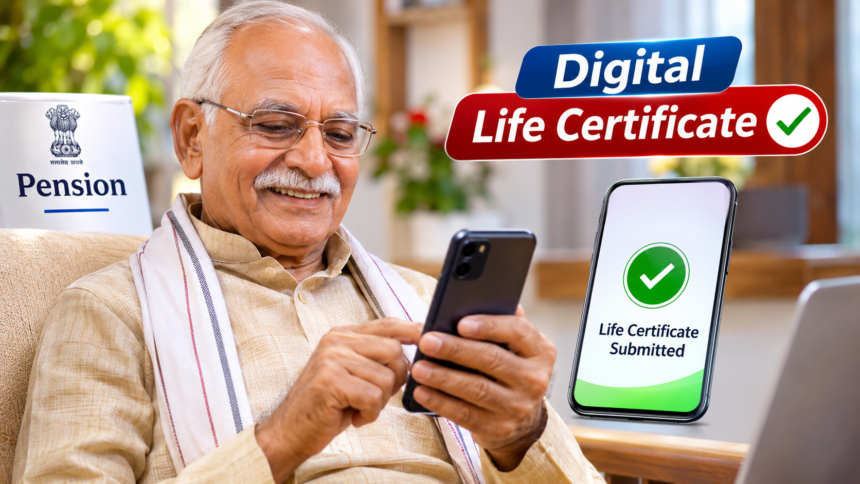
Pensioners must submit a Life Certificate every year to continue receiving their pension without interruption. Earlier, this process generally required them to visit a bank branch or the concerned government office in person. However, digital facilities have made it possible to complete the process from home using a smartphone.
The government has introduced digital services, including the Life Certificate app and AadhaarFaceRD app, to make life certificate submission easier. With the help of facial recognition technology, pensioners can verify their identity and generate their Digital Life Certificate without making repeated visits to banks or government offices.
What Is a Digital Life Certificate?
A Digital Life Certificate is an electronic document that confirms that a pension beneficiary is alive. Government pensioners and other eligible pension recipients are required to submit this proof periodically to ensure the continued payment of their pension.
With face authentication facilities, pensioners can now complete the verification process using a mobile phone. This is particularly helpful for elderly people who may find travelling to banks or government offices difficult.
Documents and Requirements for Generating a Life Certificate
Before starting the process, pensioners should keep the necessary details and equipment ready.
You will need:
- A smartphone that is not rooted.
- The Jeevan Pramaan Face app installed on the phone.
- Your Aadhaar number and related details.
- Pension Payment Order (PPO) number.
- Bank account details linked to the pension.
- A registered mobile number.
- Other relevant pension information.
These details are required to complete registration and verify the pensioner’s identity.
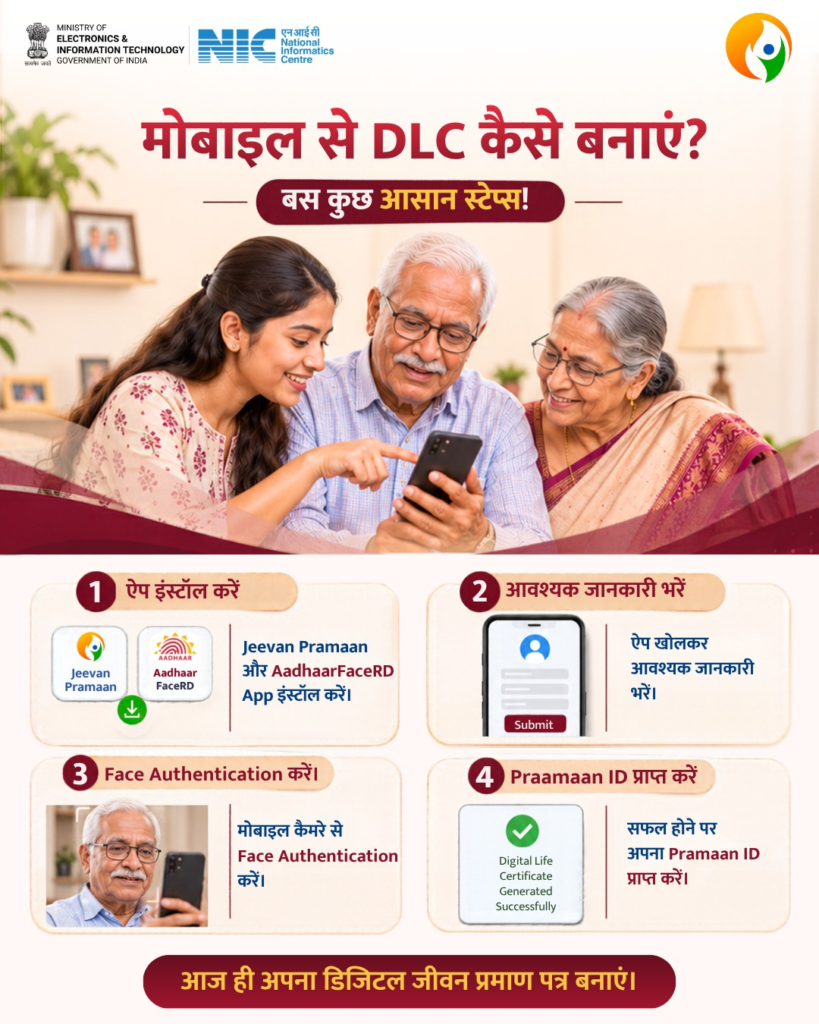
How to Generate a Digital Life Certificate Using a Mobile Phone
Pensioners can follow a few simple steps to generate their life certificate through facial authentication.
- Download the required Life Certificate and AadhaarFaceRD applications on your smartphone.
- Open the application and complete the operator registration process.
- Proceed with operator authentication.
- Enter your pension-related information, including Aadhaar number, mobile number, PPO number and pension type.
- Follow the instructions to complete facial scanning and identity verification.
- After successful verification, generate your Digital Life Certificate.
Once the process is completed, a digital record of the life certificate is maintained.
Benefits of Submitting a Digital Life Certificate
The mobile-based facility makes annual pension verification more convenient, especially for senior citizens.
Pensioners can complete the process from home, saving the time and effort involved in travelling to a bank or government office. Facial recognition also provides a way to verify identity digitally.
Another advantage is that the certificate is maintained electronically, making the submission process more convenient.
Overall, the Digital Life Certificate facility offers pensioners a simpler way to complete their annual verification requirements while reducing the need for physical visits.
Disclaimer: This article is intended for general informational purposes only. App availability, registration procedures and verification requirements may change according to official guidelines. Pensioners should refer to the official Jeevan Pramaan portal or authorised government sources for the latest instructions before submitting their Digital Life Certificate.