
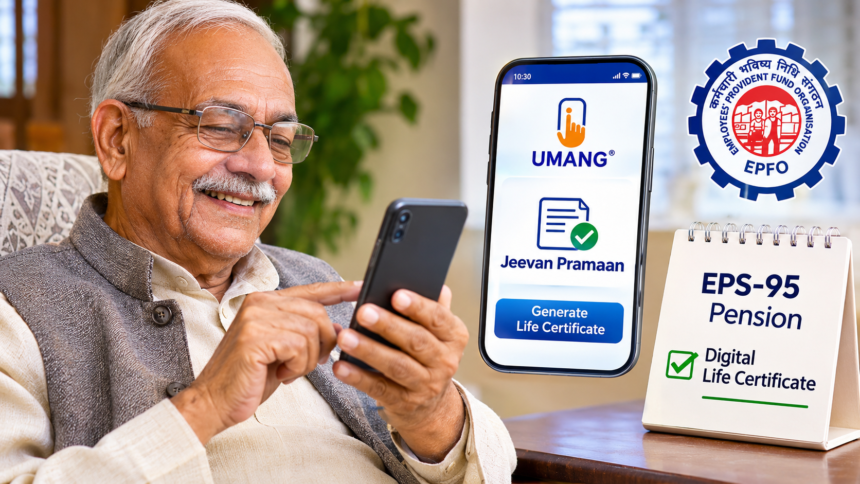
Senior citizens receiving pensions under the Employees’ Pension Scheme 1995 (EPS-95) can now complete their annual life certificate submission without visiting a bank, post office or EPFO office. With the help of the UMANG app and Aadhaar-based face authentication, pensioners can generate their Digital Life Certificate (Jeevan Pramaan Patra) directly from their smartphones.
This facility is particularly useful for elderly pensioners, people suffering from health problems and those who find travelling difficult. The digital process makes it easier to complete the annual verification required for the continuation of pension payments.
Here is a step-by-step guide explaining how EPS-95 pensioners can submit their life certificates online from home.
What Is a Digital Life Certificate or Jeevan Pramaan Patra?
A Digital Life Certificate, commonly known as Jeevan Pramaan Patra, is an electronic document that confirms that a pension beneficiary is alive.
Pensioners must submit this certificate every year to continue receiving their pension. Under the digital facility, eligible EPS-95 pensioners can complete the verification process through Aadhaar-based face authentication instead of physically visiting a bank or EPFO office.
Once successfully generated, the certificate is made available digitally to the concerned pension disbursing authority.
Documents and Details Required for UMANG App Life Certificate
Before starting the online process, pensioners should keep the following information and applications ready:
- Aadhaar card number.
- Mobile number registered with Aadhaar.
- Pension Payment Order (PPO) number.
- Pension bank account number.
- UMANG mobile application.
- AadhaarFaceRD application.
It is important that the pensioner’s Aadhaar number is registered with the concerned pension disbursing agency. This is necessary to complete the authentication process.
How to Submit EPS-95 Life Certificate From Home
Pensioners can follow these steps to generate their digital life certificate using a smartphone.
Step 1: Open the UMANG App
Download and open the UMANG application on your smartphone. After logging in, search for ‘Jeevan Pramaan’ in the search section and select the ‘Generate Life Certificate’ option.
Step 2: Choose Face Authentication
Select the Face Authentication or Face Recognition option. Make sure the AadhaarFaceRD application is installed on your smartphone, as it is required for Aadhaar-based face verification.
Step 3: Enter Aadhaar Number and Verify OTP
Provide your Aadhaar number and complete the verification process using the OTP received on your Aadhaar-linked mobile number.
Step 4: Fill in Pension Information
Enter the required pension-related details, including your name, pension category, organisation name, pension sanctioning authority, pension disbursing agency, PPO number and pension bank account number.
Check all the information carefully before proceeding.
Step 5: Complete the Required Declarations
You may be asked questions regarding remarriage and re-employment. Select the appropriate answers according to your circumstances and review the information submitted.
Step 6: Complete Face Verification
Position your face in front of your smartphone camera and follow the instructions displayed on the screen.
Once the face authentication process is completed successfully, your Digital Life Certificate will be generated.
How to Download Jeevan Pramaan Certificate After Submission?
After successful face verification, the pensioner receives a Jeevan Pramaan ID through SMS.
Using this identification number, pensioners can access their certificate through the ‘View Certificate’ option in the UMANG application and download a copy for their records.
The successfully generated digital certificate is automatically made available to the concerned pension disbursing agency. Therefore, submitting a separate physical copy is generally not required.
What If You Cannot Submit Your Life Certificate Through a Mobile Phone?
Pensioners who are unable to complete the process using a smartphone can also use alternative facilities.
India Post Payments Bank (IPPB) provides a doorstep service through which a postman or Gramin Dak Sevak can visit the pensioner’s home and help generate the Digital Life Certificate.
Alternatively, pensioners can visit their nearest EPFO office or Common Service Centre (CSC) to complete the required verification process.
Important Things EPS-95 Pensioners Should Remember
Before completing the annual life certificate process, keep these points in mind:
- Submit your life certificate within the prescribed period.
- Ensure that your mobile number is linked to Aadhaar.
- Enter the PPO number and pension bank account details correctly.
- Complete face authentication in a properly lit location.
- Save your Jeevan Pramaan ID after successful generation.
- Check the certificate submission status with the concerned pension disbursing agency.
Disclaimer: This article is intended for general informational purposes only. The process, application requirements and availability of digital life certificate services may be subject to changes in official guidelines. Pensioners should verify the latest instructions through the EPFO, UMANG or Jeevan Pramaan official portals before completing their submission.