
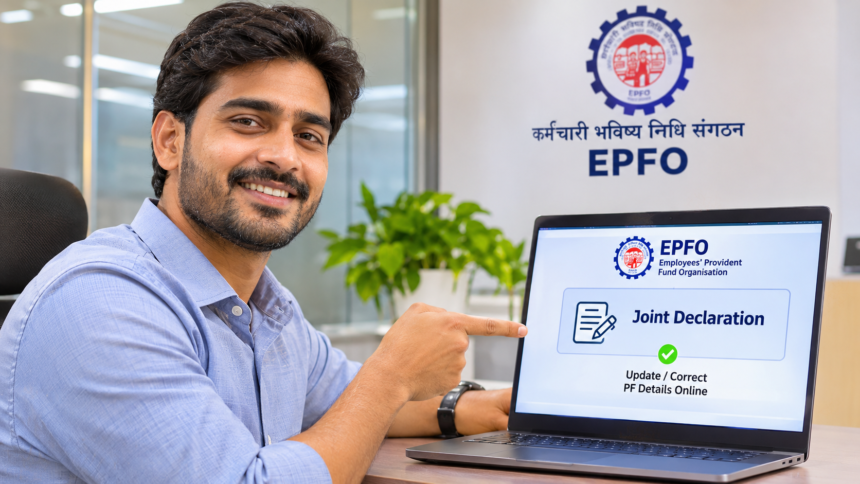
Provident Fund (PF) account holders who find errors in their personal or employment details can request corrections online without necessarily visiting an EPFO office. The Employees’ Provident Fund Organisation (EPFO) offers a Joint Declaration facility through its Unified Member Portal, allowing eligible members to submit correction requests digitally.
Members need to log in to the portal, provide the accurate information and upload the required supporting documents. Here is how the process works and which details can be updated.
Which PF Account Details Can Be Corrected?
The EPFO Joint Declaration facility allows members to request changes to several details recorded in their PF accounts. These include:
- Name of the PF account holder
- Date of birth
- Gender
- Father’s or mother’s name
- Marital status
- Date of joining employment
- Date of leaving employment
The documents required depend on the type of correction being requested. In certain cases, approval or verification from the employer may also be necessary.
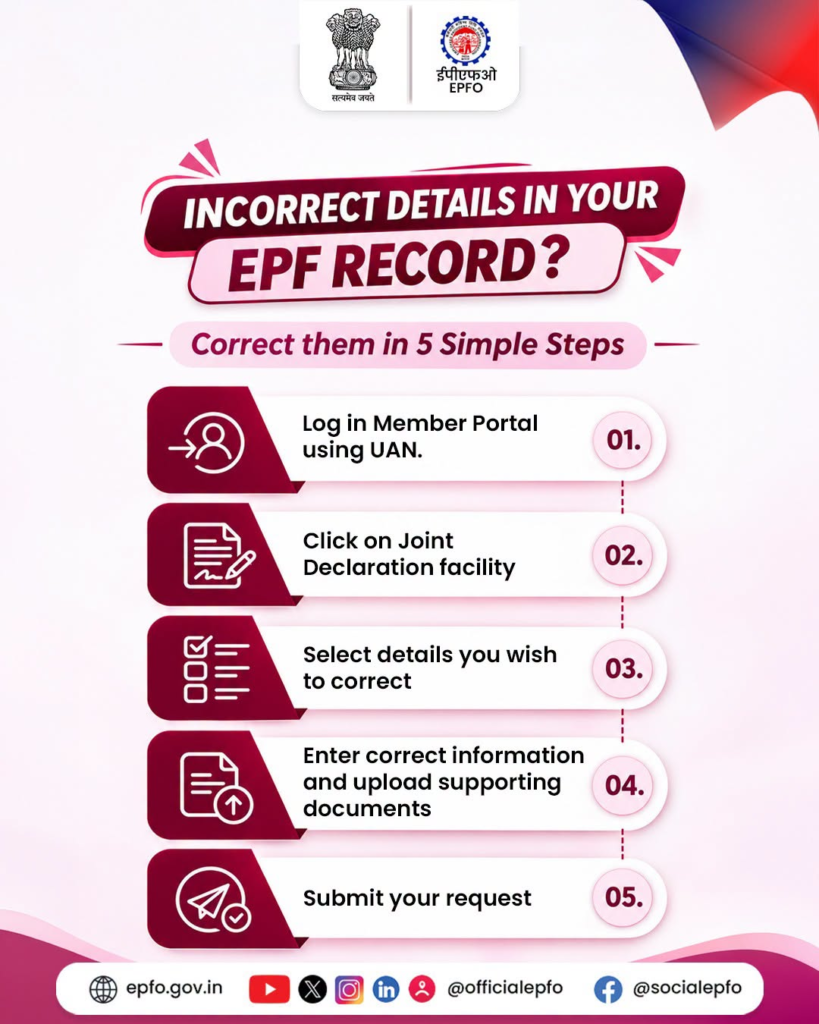
How to Correct PF Details Online in 5 Steps
Eligible members can submit a correction request through the EPFO Unified Member Portal by following these steps:
- Log in to the EPFO Unified Member Portal using your credentials.
- Select the ‘Joint Declaration’ option.
- Choose the category of information that needs correction.
- Enter the correct details and upload the required supporting documents.
- Review the information carefully, complete OTP verification and submit the request.
After submitting the application, members can use the portal to check the status of their correction request.
Where to Get Help With PF Account Corrections?
If the Joint Declaration option is unavailable or you face difficulties while submitting the request, you can visit the official EPFO website for assistance.
Members can also contact their employer’s HR department for help with the correction process and any employer-related verification requirements.
Disclaimer: This article is intended for general information only. The correction process, document requirements and approval conditions may vary depending on the details being updated. Members should check the latest instructions on the official EPFO portal before submitting a request.