
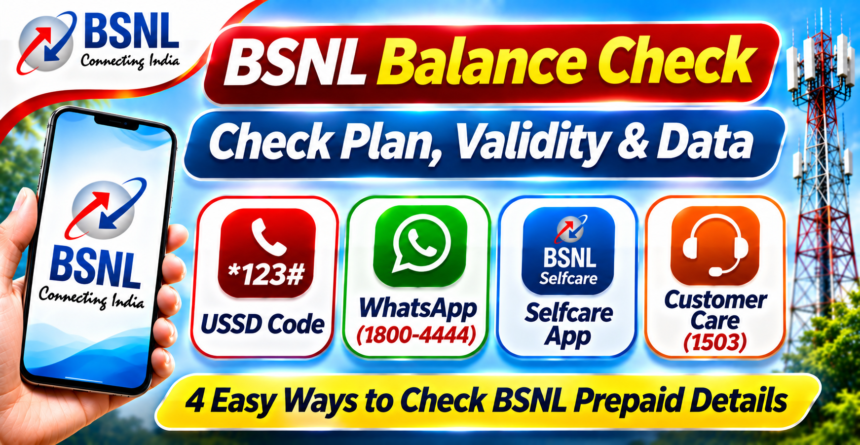
BSNL prepaid customers can check their mobile balance, remaining data and recharge validity through several simple methods. The telecom operator provides options such as USSD codes, WhatsApp, the BSNL Selfcare app and customer care services to help users manage their prepaid connections.
These facilities allow subscribers to keep track of their active recharge and avoid unexpected service interruptions when their plan expires or data allowance runs out.
Whether you have internet access or not, there are different ways to check your BSNL account details. Here is a step-by-step guide to using each method.
1. Check BSNL Balance and Validity Using USSD Codes
USSD codes are among the easiest ways to check your BSNL prepaid account information. This method does not require an internet connection or a separate application.
Follow these steps:
- Open the dialler on your mobile phone.
- Enter
*123#using your BSNL number. - Press the call button.
- Wait for the available options to appear on your screen.
- Select the relevant option to check your main balance and plan validity.
Customers who want to check their remaining internet data can dial *124# and follow the instructions displayed on the screen.
The available menu options may vary depending on the telecom circle and services supported in your area.
2. Check BSNL Plan Details Through WhatsApp
BSNL subscribers can also use WhatsApp to access plan-related information through the operator’s official WhatsApp service.
To use this facility, save the number 1800-4444 in your phone contacts. Open WhatsApp and start a conversation with the saved contact.
Send a message such as “Hi” to begin. An automated response will provide available service options. Select the relevant option to access information about your recharge, plan or validity.
Before sharing any personal information, make sure you are communicating with BSNL’s verified official WhatsApp contact.
3. Use the BSNL Selfcare App to Check Recharge Details
The BSNL Selfcare application provides a convenient way to manage your prepaid mobile connection directly from your smartphone.
Customers can follow these steps:
- Download the BSNL Selfcare app from Google Play Store or Apple App Store.
- Open the application and enter your BSNL mobile number.
- Complete OTP verification if required.
- Access your account dashboard after logging in.
- Check your active recharge plan, remaining validity and available data balance.
The application brings important account information together in one place. If your recharge details are not displayed correctly, try refreshing the application or contact BSNL customer support.
4. Check BSNL Validity Through Customer Care
Customers who cannot access their account through USSD codes, WhatsApp or the Selfcare app can contact BSNL customer care directly.
The available customer care numbers are:
- 1503: Call from your BSNL mobile number.
- 1800-180-1503: Call from another telecom network.
After connecting, follow the automated voice instructions and select the option related to balance, recharge or plan validity.
If your query remains unresolved, you can request assistance from a customer care representative.
Why Should You Check Your BSNL Recharge Validity Regularly?
Keeping track of your prepaid recharge validity helps you manage your mobile connection more effectively. Regular checks can help you identify when your current plan is about to expire and whether your daily data allowance is running low.
It also allows you to plan your next recharge in advance and reduce the chances of unexpected interruptions to calling and internet services.
BSNL customers can choose whichever method is most convenient, whether it is a quick USSD code, WhatsApp, the Selfcare application or customer care support.
Disclaimer
This article is intended for general informational purposes only. USSD codes, WhatsApp services, customer care numbers and app features may change depending on BSNL’s latest service updates and telecom circle. Customers are advised to verify the latest information through official BSNL channels. Never share OTPs, passwords or sensitive banking information with unknown contacts. This website is not affiliated with BSNL.