
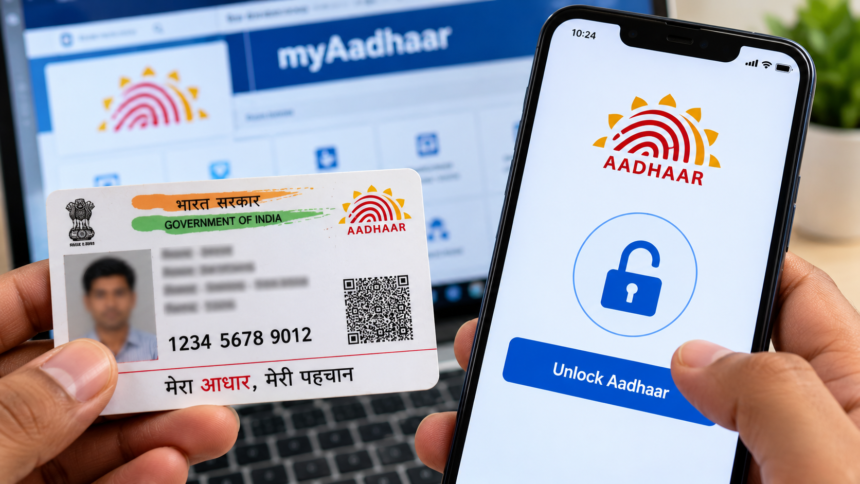
Aadhaar is an important identity document in India, making the protection of personal information a key concern for its holders. To help residents manage their identity security, the Unique Identification Authority of India (UIDAI) offers facilities to lock and unlock Aadhaar authentication. Users can access the available security features through the official Aadhaar app or the myAadhaar portal, depending on the service they need.
These online facilities allow users to manage their Aadhaar security without necessarily visiting an enrolment centre. However, Aadhaar number locking and biometric locking are two different security features. The process for unlocking them depends on which feature has been enabled.
How to Unlock Aadhaar Using the Official App
Aadhaar holders can use the official app to access the security services it supports. Open the app on your smartphone and follow the instructions displayed on the screen.
If you have activated an Aadhaar lock, check the relevant security settings for the available unlock option. Complete the required verification steps to proceed with the request.
Make sure you are using the official application and have installed the latest available version. The location and names of certain options may differ depending on the app version and the type of security lock you have activated.
Steps to Unlock Aadhaar Through the myAadhaar Portal
If your Aadhaar number is locked and you need to use Aadhaar-based authentication, you can follow the online process through the official UIDAI portal.
- Visit the official myAadhaar portal.
- Locate the Aadhaar Lock/Unlock service.
- Choose the Unlock UID option.
- Enter your latest 16-digit Virtual ID (VID) and the security code shown on the screen.
- Request an OTP and complete the verification process using your registered mobile number, following the instructions provided.
- Submit your request to unlock Aadhaar.
After successful completion, Aadhaar-based authentication can be used again, subject to the applicable service requirements.
What Is a Virtual ID (VID)?
A Virtual ID, or VID, is a temporary, revocable 16-digit number associated with an Aadhaar number. It can be used in place of the Aadhaar number for supported authentication services.
When unlocking a locked Aadhaar number through the specified online process, users need their latest VID. Those who do not remember it can retrieve the current VID through UIDAI’s official online services or the available SMS facility.
For security reasons, never disclose your OTP, VID-related authentication details or other confidential information to unauthorised people.
Important Points to Remember
Always use UIDAI’s official website or authorised application when managing Aadhaar security. Keep your registered mobile number accessible for OTP verification and ensure that you have the latest VID before starting the unlocking process.
UIDAI’s Aadhaar Lock/Unlock facility is available free of charge through its official services. Understanding the difference between Aadhaar number locking and biometric locking can help users choose the appropriate option for their requirements.
Disclaimer
This article is intended for general informational purposes only. The procedures described are based on the information available in the provided material and may change as UIDAI updates its services. Users should verify the latest instructions, eligibility requirements and security procedures through the official UIDAI website or authorised application before proceeding. Always protect your personal information and authentication credentials.