
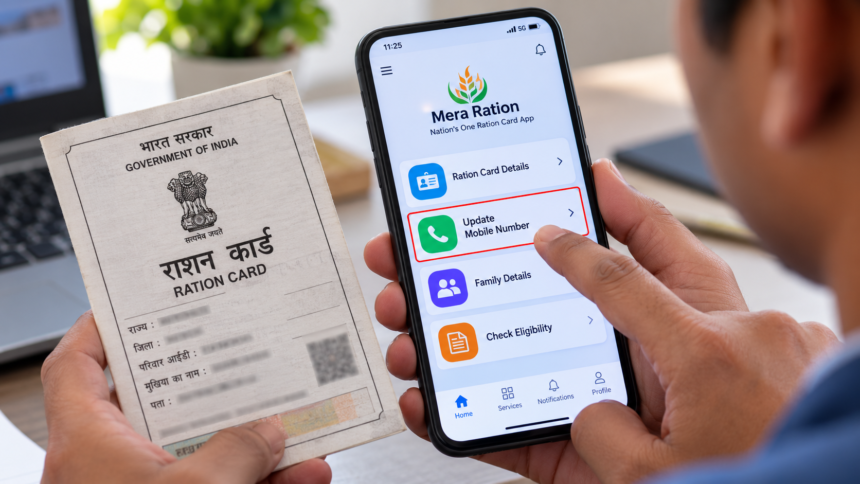
Ration card holders who want to register a new mobile number or change their existing one can check the facilities available through their state’s Food and Civil Supplies Department. Depending on the state, the process may be available through an official mobile app, an online portal, WhatsApp services or a local ration office.
Keeping your mobile number updated can help you receive important notifications about your ration card and access information related to government schemes. However, the available options and verification requirements may differ from one state to another.
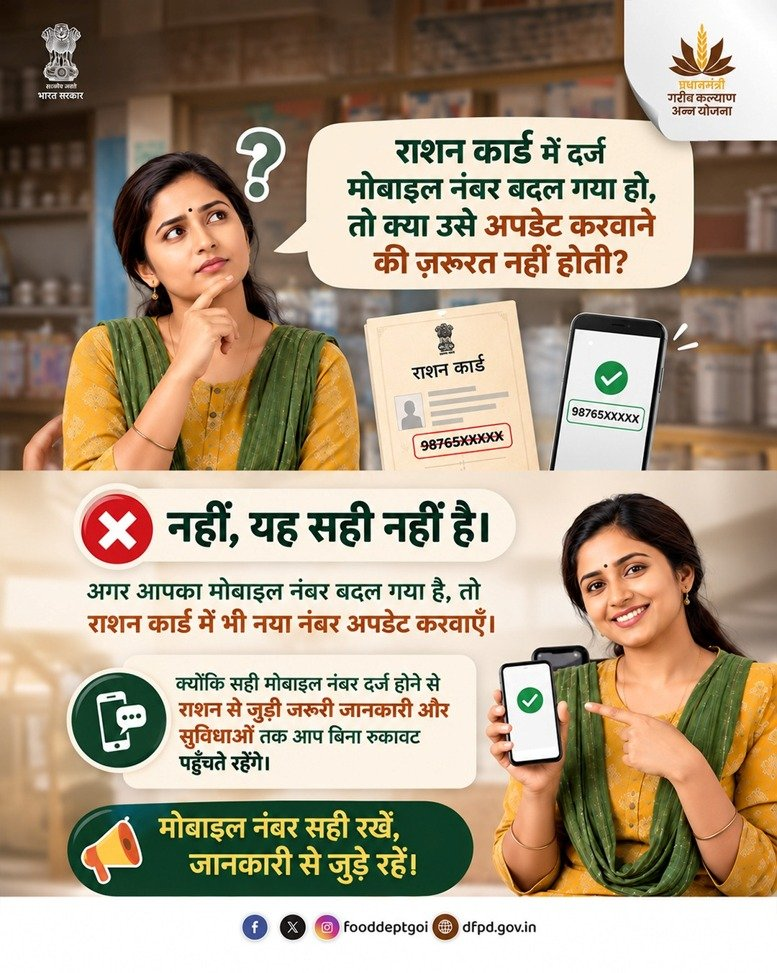
How to Update Your Mobile Number Through the Mera Ration App
Ration card holders can check whether mobile number update services are available through the official Mera Ration app. Follow these steps:
- Download the official Mera Ration app from the Google Play Store.
- Open the app and check your ration card or beneficiary details.
- Look for the mobile number update option, if available.
- Enter the required information and verify your number using an OTP, if requested.
- Submit the details and follow the instructions displayed in the app.
If the update facility is available for your account, follow the confirmation process to complete the request. The availability of this service may depend on the relevant department’s procedures.
Can You Change Your Ration Card Mobile Number Through WhatsApp?
Some state Food and Civil Supplies Departments offer WhatsApp-based services to help ration card holders access information and submit enquiries.
To check whether this option is available in your state, visit the department’s official website and obtain its verified WhatsApp helpline number.
Send your enquiry and follow the instructions provided by the department. If mobile number updates are supported through the service, you can proceed according to the prescribed verification process.
Do not assume that every state allows mobile number changes directly through WhatsApp. In some cases, you may need to use the official portal or visit a ration office.
Documents Required for a Ration Card Mobile Number Update
Before starting the process, keep the following information and documents ready, as applicable:
- Ration card number or a copy of the ration card
- Identity proof of the head of the family
- Aadhaar card
- New mobile number
The department may request additional information or documents depending on the state’s rules and the method used to submit the request.
Where to Check Your Mobile Number Update Status
After submitting your request, follow the instructions provided by the relevant department to check its status. If you do not receive confirmation or cannot find an online update facility, contact your state’s Food and Civil Supplies Department or visit the nearest authorised ration office.
Using official channels helps ensure that your personal information is submitted through the appropriate process.
Disclaimer
This article is intended for general informational purposes only. Mobile number update facilities, document requirements and verification procedures may vary by state. The availability of services through the Mera Ration app or WhatsApp should be confirmed through official government channels before proceeding. Readers should follow the applicable instructions issued by their state’s Food and Civil Supplies Department.