
Smartphones have become an essential part of everyday life. From making calls and taking photographs to handling online payments and storing personal information, we rely on our phones for a wide range of activities. However, without proper security measures, sensitive information stored on a device can be exposed.
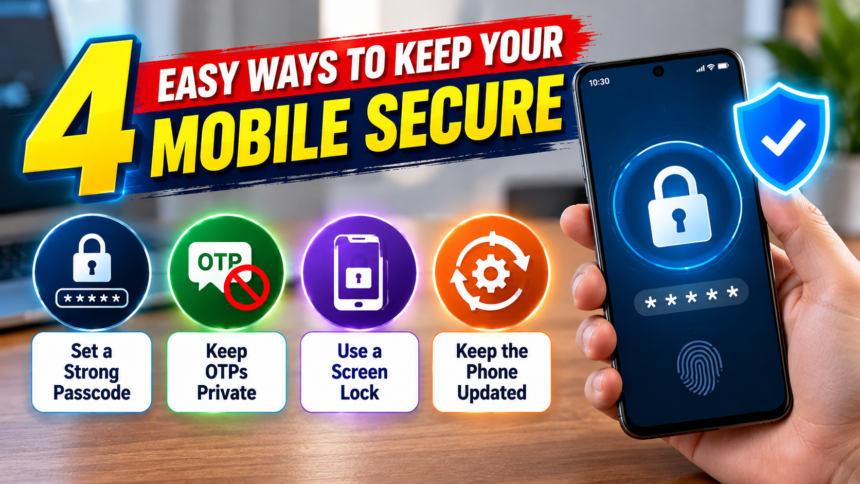
Keeping your smartphone secure does not have to be complicated. Using a strong passcode, enabling automatic screen locking, hiding sensitive notifications and installing software updates can help protect your device from unauthorised access.
Here are four simple ways to improve your mobile phone security.
1. Use a Strong Passcode and Biometric Lock
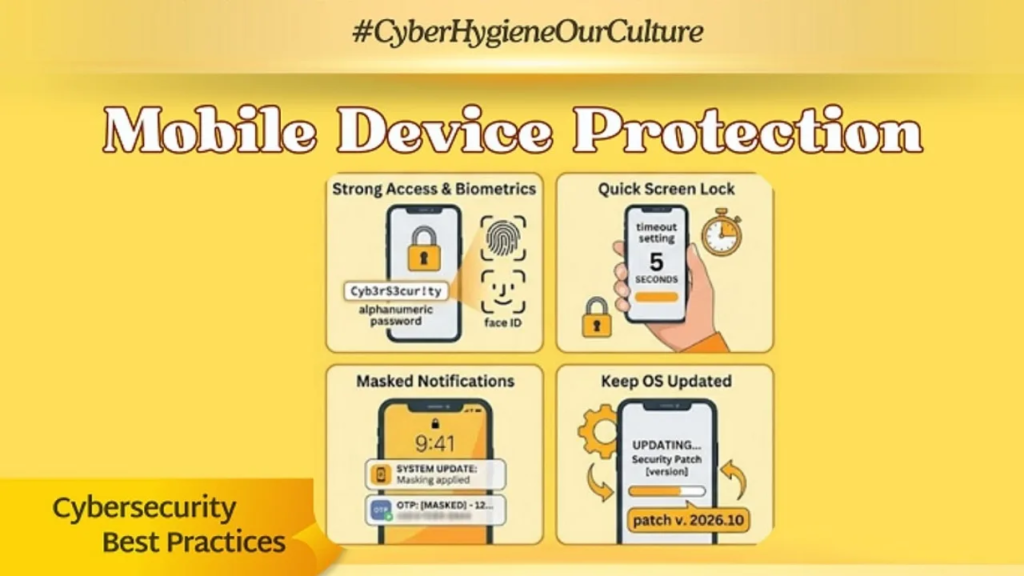
Setting a strong passcode is one of the most important steps in protecting your smartphone. Simple combinations such as 1234 or 0000 are easy to guess and can leave your personal information vulnerable.
Choose a passcode that is difficult for others to predict. You can also enable fingerprint recognition or face unlock if your device supports these features. These options make unlocking your phone more convenient while adding another layer of protection.
However, biometric authentication should be used alongside a strong passcode rather than as a replacement for it.
2. Set a Short Screen Lock Timeout
Leaving your smartphone unlocked after use can allow someone nearby to access your messages, photographs or other private information.
To reduce this risk, open your phone’s display or screen settings and adjust the screen timeout. Setting it to 15 or 30 seconds will allow the display to turn off automatically when the device is not being used.
A shorter timeout reduces the period during which an unattended phone remains accessible. You should also ensure that the phone locks automatically when the screen turns off.
3. Hide OTPs and Private Messages on the Lock Screen
Message previews can reveal sensitive information even when your smartphone is locked. For example, banking OTPs, personal messages and other notifications may appear on the screen where people nearby can read them.
To protect this information, open your notification settings and disable full message previews on the lock screen. Depending on your device, you may be able to hide sensitive notification content while still receiving alerts.
This setting is particularly useful when travelling on buses or trains, or when using your phone in public places and offices.
Remember that you should never share your OTP with anyone. Keeping verification codes private is an important part of protecting your accounts and digital payments.
4. Install Mobile Software Updates Regularly
Keeping your smartphone’s software up to date is another important security measure. Manufacturers periodically release updates that can fix security vulnerabilities, improve device stability and introduce new features.
Visit your phone’s settings regularly to check for available system updates. Install updates from official sources and follow the instructions provided by your device manufacturer.
Ignoring software updates for long periods can leave your device exposed to security issues that may have already been addressed in newer versions.
Disclaimer
This article is intended for general informational purposes only. The available security features and settings may differ depending on your smartphone model, operating system and software version. Users should consult their device manufacturer’s official instructions for accurate guidance on configuring security and privacy settings. Following these tips can improve protection, but no security measure guarantees complete protection against every threat.