
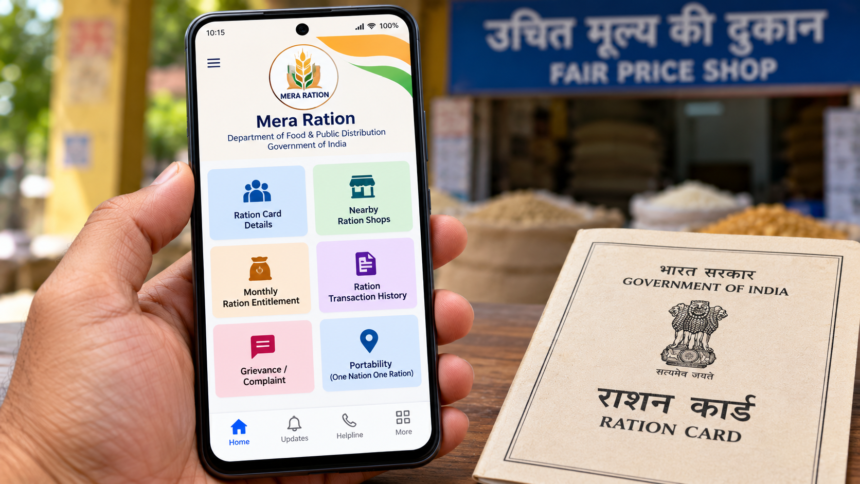
Ration cardholders can access important information about their foodgrain entitlements through digital services instead of visiting government offices for every enquiry. The Government of India provides online platforms and mobile applications that help beneficiaries check ration-related details, find nearby fair price shops and access other available services.
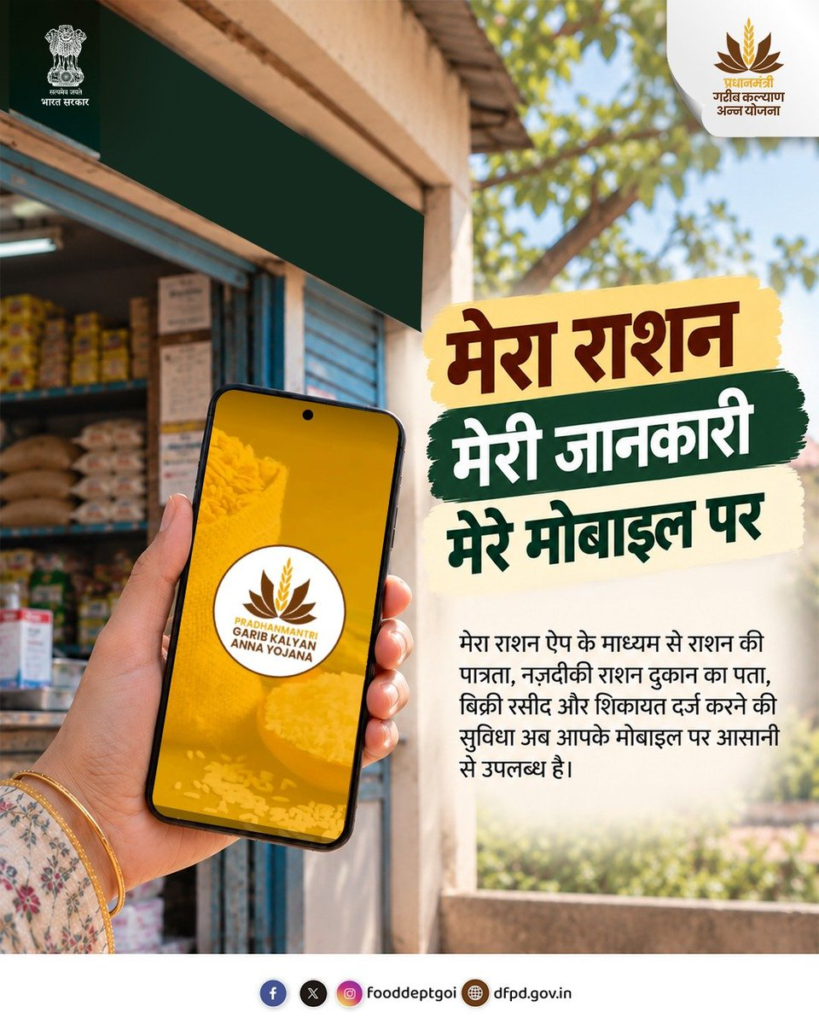
The Department of Food and Public Distribution announced on X that users can obtain ration-related information through the Mera Ration app. The application offers a convenient way to access available services using a mobile phone, including information about ration allocations and previous transactions.
What Services Does the Mera Ration App Offer?
The Mera Ration app provides access to several ration-related services. Depending on the features available to the user, beneficiaries can use it to:
- Locate nearby fair price shops.
- Check the quantity of foodgrains allocated to their ration card.
- Review information about ration collected in previous months.
- Access available complaint and grievance facilities.
- Find information about ration services in other states.
These features can be particularly useful for beneficiaries who need to check their entitlements or locate a ration shop while travelling outside their home state. The availability of individual services may depend on the applicable system and the user’s details.
How to Download the Mera Ration App
Ration cardholders can follow these steps to install and use the application:
- Open the Google Play Store on your Android smartphone.
- Search for “Mera Ration.”
- Identify and select the official government application.
- Download and install the app.
- Open it and follow the instructions to enter the required information.
- Explore the available options to check your ration card details and related services.
Before entering personal information, make sure you have selected the official application rather than an unrelated app with a similar name.
How to Access Your Ration Card Through DigiLocker
DigiLocker is a Government of India digital document platform that allows users to store and access eligible documents electronically. Ration cardholders may also be able to retrieve their digital ration cards through the platform if the relevant service is available for their state.
A digital document can make it easier to access records without carrying a physical copy, subject to the applicable rules and acceptance requirements.
Steps to Check Your Ration Card on DigiLocker
To look for your ration card on DigiLocker, follow these steps:
- Open the DigiLocker app or visit its official website.
- Sign in to your existing account or create an account if you do not already have one.
- Search for “Ration Card” using the search facility.
- If the relevant service is available, select it and provide the requested details.
- Retrieve the document and keep your account credentials secure.
The availability of ration card records depends on whether the relevant state or issuing authority supports the service. The legal validity and acceptance of a digital copy also depend on the applicable regulations.
Disclaimer: This article is intended for general informational purposes only. The features, download process and document services described above are based on the information provided and have not been independently verified against the latest official guidelines. Available services may differ by state and application version. Users should rely on official government platforms for current information and protect their personal details when accessing digital services.