
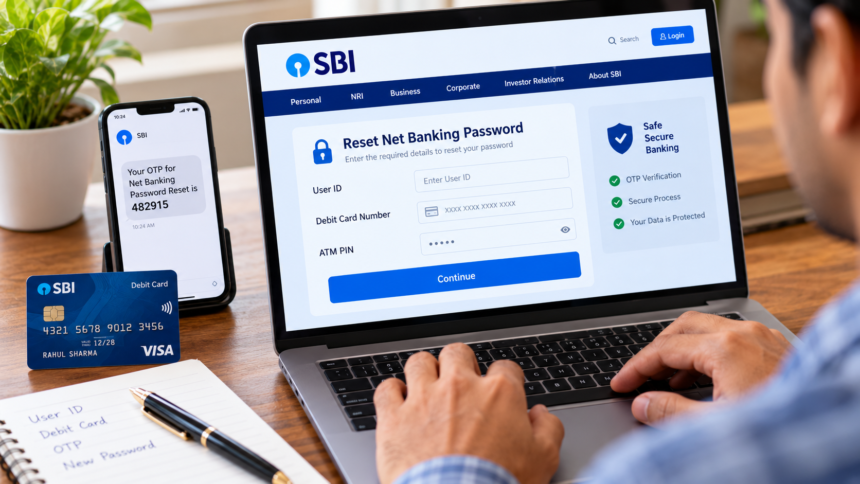
Net banking has made it easier to handle everyday financial transactions without visiting a bank branch. From paying utility bills to transferring money, many banking services can now be accessed online. However, complex passwords can sometimes be difficult to remember, leaving customers unsure about how to regain access to their accounts.
The good news is that customers can generally reset their net banking password from home through their bank’s official website. The exact process may differ between banks, but certain details and verification methods are commonly required.
Debit Card May Be Required for Online Reset
Customers planning to reset their net banking password online should have their user ID and an active debit card available. During the process, the bank may ask for details such as the debit card number, expiry date, CVV and ATM PIN for verification.
These details are used as part of the bank’s security checks before allowing a new password to be created.
OTP and Registered Contact Details Are Important
An OTP is generally sent to the mobile number registered with the bank to verify the customer’s identity. Depending on the bank, an additional security code or verification link may also be sent to the registered email address.
Therefore, customers should ensure that their registered mobile number and email account are active and accessible before starting the password reset process.
Account Details May Also Be Needed
During the reset procedure, the bank may ask for additional information, including the bank account number and date of birth. These details help the bank confirm the identity of the account holder and provide an additional layer of protection against unauthorised access.
Customers should use only their bank’s official website when attempting to reset a net banking password and should avoid sharing OTPs, PINs or other confidential banking information with anyone.
What to Do If Online Reset Is Not Possible
If the online password reset facility cannot be used, customers can visit their bank branch. They may need to carry documents such as a passbook, PAN card, passport or another accepted identity document.
At the branch, the customer can fill out the required application form and submit it to a bank official. After completing the necessary verification, the bank can reset the net banking password.
Disclaimer: The password-reset process, verification requirements and documents may vary from one bank to another. Customers should follow the instructions provided on their bank’s official website or contact the bank directly for the latest procedure.