
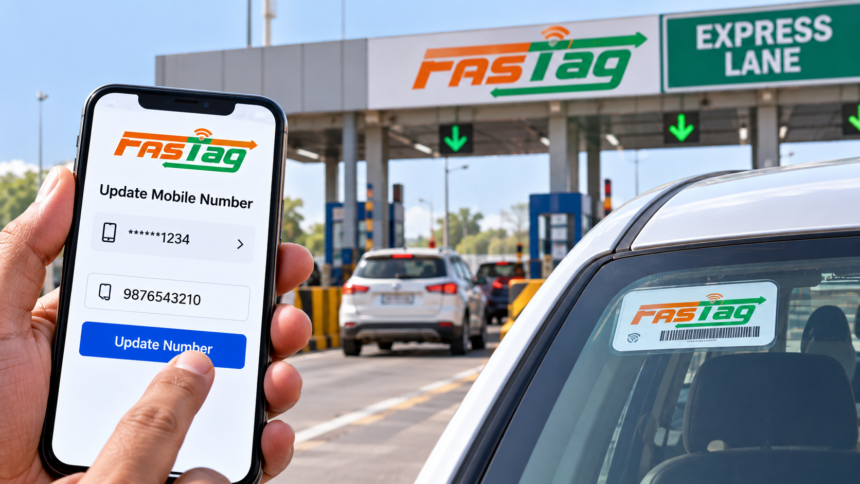
FASTag Mobile Number Update: The mobile number registered with your FASTag is important for receiving toll-related alerts, balance updates and other account notifications. If you have changed your phone number or the existing number is no longer active, you can update the registered mobile number.
The process can generally be completed either online through the FASTag provider’s website or app, or offline by visiting the bank branch or FASTag Point of Sale (POS) location that issued the tag.
Why Should You Update Your FASTag Mobile Number?
Keeping the registered mobile number up to date ensures that you continue receiving important SMS alerts related to toll payments, FASTag balance and recharge reminders.
An active number also helps you stay informed about transactions and other issues associated with your FASTag account. Updating the number is therefore useful if your previous mobile number has been deactivated or replaced.
How to Change FASTag Mobile Number Online
To update the number online, first visit the official FASTag website or open the relevant mobile application. Log in using your existing username and password.
After signing in, go to the profile or account settings section and look for the option to update your personal information. Enter the new mobile number you want to register with your FASTag account.
Depending on the provider’s verification requirements, you may need to submit an identity document such as an Aadhaar card. An OTP will then be sent to the new mobile number for verification.
Enter the OTP and complete the verification process. Finally, select the ‘Submit’ option to send the request. Once the update has been processed, a confirmation message will be sent to the newly registered mobile number.
How to Change FASTag Mobile Number Offline
If you prefer to complete the process offline, visit the bank branch that issued your FASTag or an authorized FASTag Point of Sale (POS) location.
At the customer service desk, request the form for changing the registered mobile number. Fill in the new number along with the other required details.
You may also need to provide a copy of a government-issued identity document for verification. Submit the completed form and supporting document to the concerned bank official.
After the request is processed, you will receive a confirmation message on the updated mobile number.
Disclaimer
This article is intended for general informational purposes and is based on the information provided in the source material. FASTag procedures and verification requirements can vary depending on the issuing bank or service provider and may be updated from time to time. Users should check with their FASTag issuer for the latest process and document requirements.