
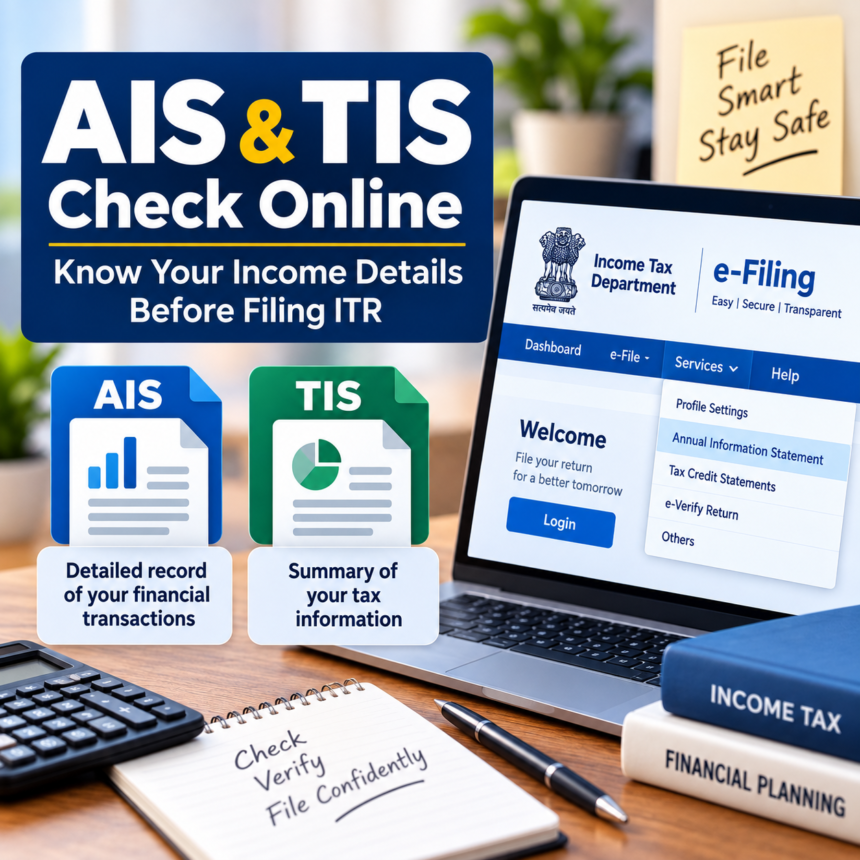
Filing an Income Tax Return (ITR) requires taxpayers to provide accurate details about their income and financial transactions. Even a small mismatch in the information reported in the return can create problems later. This is why taxpayers should check their Annual Information Statement (AIS) and Taxpayer Information Summary (TIS) before submitting their ITR.
These statements bring together important financial information reported to the Income Tax Department and can help taxpayers cross-check their income, investments, taxes and other transactions before filing their return.
What Is AIS?
AIS stands for Annual Information Statement. It provides a detailed record of financial transactions and information associated with a taxpayer during a financial year.
The statement can contain information related to salary, interest income, rental income, dividends, Tax Deducted at Source (TDS), Tax Collected at Source (TCS), mutual fund investments, foreign remittances and property transactions.
It may also include details related to GST turnover, tax payments, tax demands and refunds. By bringing this information together, AIS gives taxpayers a broader picture of the financial information available with the Income Tax Department.
What Is TIS?
TIS, or Taxpayer Information Summary, provides a summarized view of the information available in the AIS.
The information is arranged into different categories, including salary, interest and dividends. TIS also reflects information processed by the system and the values accepted after considering feedback provided by the taxpayer.
One of its important uses is in the pre-filling process for ITR filing. The information available through TIS can help populate relevant details in the income tax return, making the filing process easier.
AIS and TIS: What Is the Difference?
In simple terms, AIS provides detailed information about a taxpayer’s reported financial transactions, while TIS presents a summarized version of that information.
AIS can include income and transaction details from sources other than salary that fall within the relevant taxable categories under the Income Tax Act, 1961. TIS, meanwhile, organizes and summarizes this information for easier use, including during the ITR pre-filling process.
Taxpayers should review both statements carefully and compare the information with their own financial records before filing their return.
How to Download AIS and TIS Online
Taxpayers can access both statements through the Income Tax e-filing portal. The process is as follows:
- Open the Income Tax e-filing portal and log in using your PAN and password.
- Go to the ‘Services’ section from the top menu.
- Select ‘Annual Information Statement’ from the available options.
- Click ‘Proceed’ to open the AIS section in a new window.
- Select the AIS option on the new page.
- The available options to access or download AIS and TIS will be displayed.
- Choose the required statement and download it in PDF format.
Checking AIS and TIS before filing an ITR allows taxpayers to compare the information available with the Income Tax Department against their own records and identify any discrepancies that may need attention.