
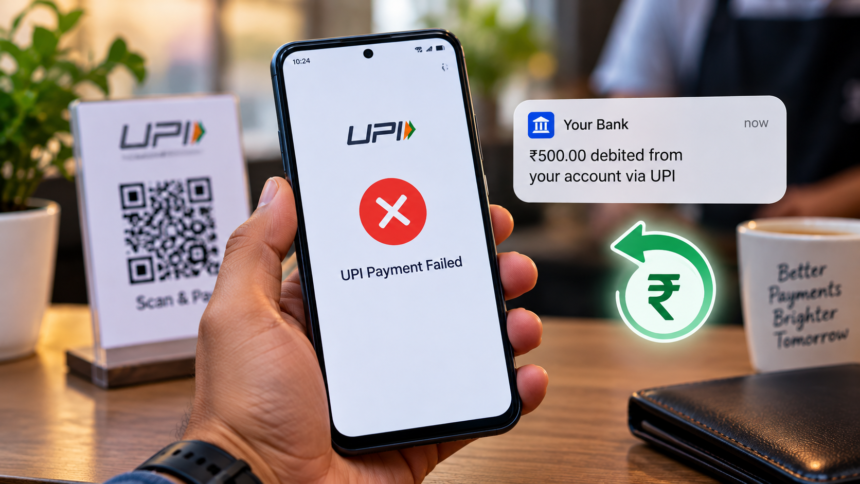
UPI Payment Failed: UPI has become one of the most popular ways to make instant digital payments in India. However, users sometimes face a confusing situation where the money is deducted from their bank account but the UPI transaction shows as failed.
If this happens to you, there is usually no reason to panic. In many cases, the deducted amount is automatically returned to the account through the banking and UPI system. The most important thing is not to immediately make the same payment again.
If the first transaction is later completed successfully, making another payment could result in the amount being deducted twice. It is therefore better to wait and first check the transaction status.
How Long Does a Failed UPI Payment Take to Refund?
In many cases, a failed UPI transaction is automatically reversed. The amount may be credited back within about one hour, although the exact timing can vary depending on the banks and payment systems involved.
Instead of immediately trying the transaction again, wait for the reversal process to complete. If you make another payment too quickly, you could potentially end up paying twice for the same product or service.
Why Do UPI Transactions Fail?
There can be several reasons behind a failed UPI payment. Some of the most common causes include:
- Incorrect UPI ID or payment address
- Insufficient balance in the bank account
- Daily transaction limit being reached
- Bank server or technical problems
- Poor or unstable internet connectivity
- Heavy traffic on banking systems
- Temporary technical issues at the end of the month
- Scheduled maintenance of the UPI or banking system
- The payment system failing to receive a timely response
UPI transaction limits can also vary between banks. Some accounts may have limits based on the number or total value of transactions, while individual banks can impose lower limits.
First Check Your UPI Transaction Status
If money has been deducted but the payment is showing as failed, your first step should be to check the transaction history in your UPI app.
Open the app and find the transaction in which the amount was deducted. Check whether its status is marked as failed, pending, reversed or successful.
Most major UPI applications also provide an option to report a payment-related problem directly from the transaction page. In some cases, the status may get updated or the refund may be initiated while the complaint is being processed.
Therefore, checking the transaction and raising an issue through the app should generally be done before immediately contacting customer support.
How to Report a Failed UPI Payment
If the money has not been returned, you can raise a complaint through the payment app you used.
Google Pay
Open your profile and go to Help & Feedback or the relevant help section. Select the option related to the transaction problem and follow the instructions to report the failed payment.
PhonePe
Open the Help section and select the option for reporting a payment issue. Choose the relevant option indicating that money was deducted but the payment failed and submit your complaint.
Paytm
Go to the Help section, select the relevant payment-related problem and follow the steps to register a complaint.
While submitting the complaint, keep your 12-digit transaction ID and a screenshot or recording of the payment available. Providing these details can make it easier for the support team to identify the transaction.
When Should You Contact Your Bank?
If the issue is not resolved through the UPI application, the next step is to contact your bank’s UPI support service.
It is useful to contact the bank’s dedicated UPI support team rather than relying only on general customer service. Before calling, keep the following information ready:
- 12-digit UPI transaction ID
- Bank account details
- Merchant or recipient information
- Transaction date and time
- Exact amount deducted
- Complaint or reference number, if already generated
Ask the bank to verify the actual status of the transaction and confirm when the deducted amount is expected to be reversed.
When Will You Get Your Money Back?
Refund timelines can depend on the type of transaction and the circumstances of the failed payment.
Under the applicable RBI framework, person-to-person (P2P) transactions are generally required to be reversed by the next working day in the relevant failed-transaction scenarios. For certain merchant transactions, the prescribed outer timeline can extend up to five days.
Where a regulated entity fails to resolve an eligible transaction within the applicable prescribed timeframe, compensation may be payable at ₹100 per day of delay, subject to the relevant rules.
In many cases, however, the refund reaches the customer’s account much sooner.
What Should You Do If UPI Payment Fails After Money Is Deducted?
The key is to stay calm and avoid making another payment immediately. First check the transaction status, wait for the reversal period, and use the complaint facility in your UPI app if the money does not return.
If the problem continues, contact your bank’s UPI support team with the transaction ID and other relevant details. Keeping screenshots, transaction records and complaint reference numbers can also help you track the issue until your money is credited back.
Note: UPI refund and compensation timelines can depend on the specific type of transaction and applicable RBI/NPCI rules. Users should check the latest terms of their bank and payment service provider for the current process.